Ideal for DJs seeking improved audio quality, the Rane SL 2 offers unrivaled performance by allowing you to interface a standard DJ mixer and turntables or CDJ's to Serato DJ software. This...

DJ Audio Interface Rental
Connect a compatible Serato computer to a standard DJ mixer and turntables or CDJs with the listed Rane SL 2. Review the surrounding playback workflow, confirm compatibility, and choose the rental path that fits your South Florida event.
- 1. Review the interfaceStart with the listed Rane SL 2.
- 2. Choose rental datesTell us when the interface is needed.
- 3. Plan fulfillmentChoose the applicable pickup or delivery path.
- 4. Confirm the workflowCheck the computer, mixer, players, and connections.
Interface Catalog
- Delivery & setup available across South Florida
- 15–30% multi-day savings applied at checkout
- AV team support before and during your rental
Showing 1–1 of 1 interface catalog options
Rentals from $50.00 / 24 hoursExplore other AV categories
Build beyond sound with equipment and production services coordinated by the same local team.

Bridge a Serato computer into a mixer-and-deck workflow
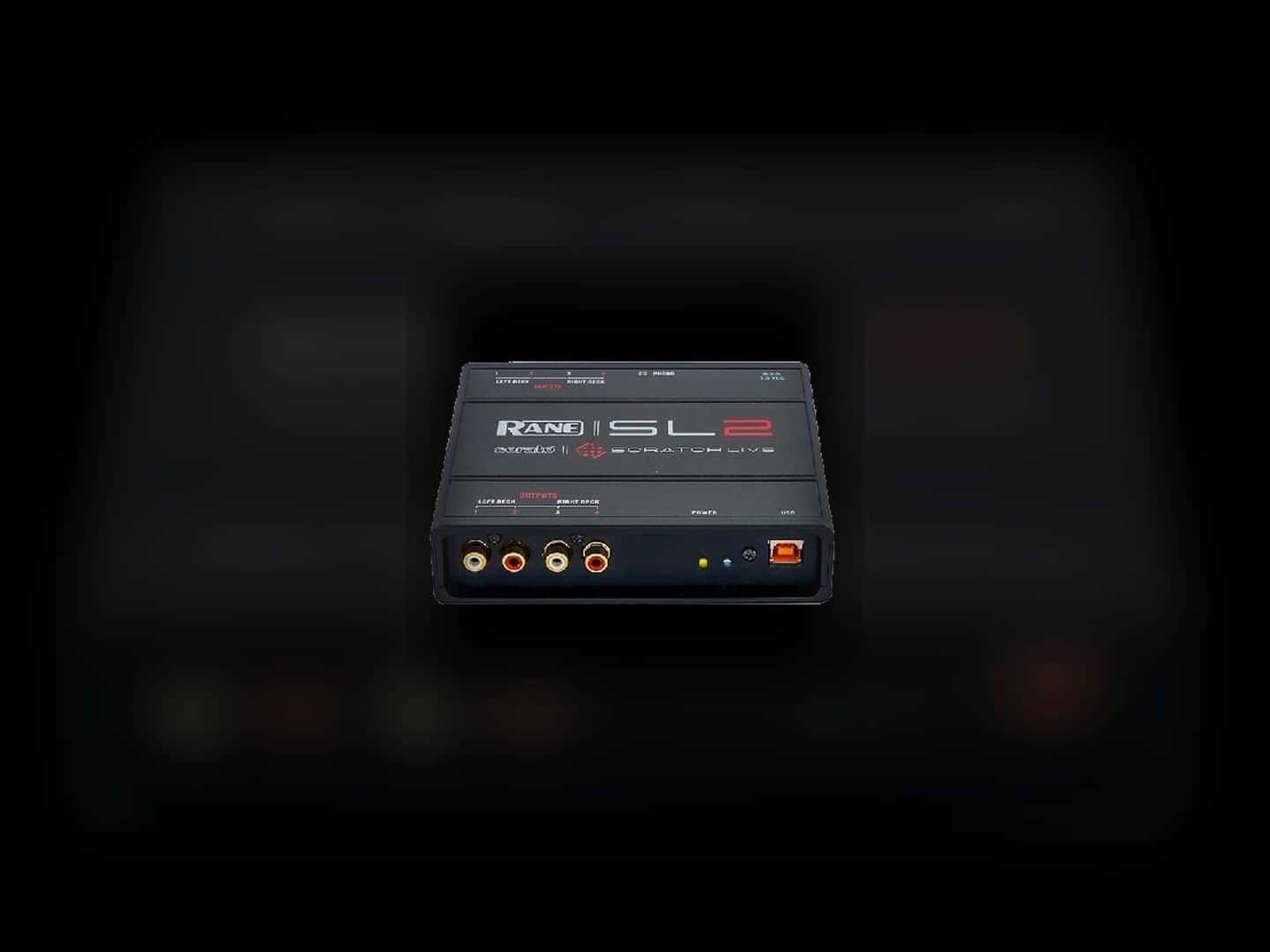
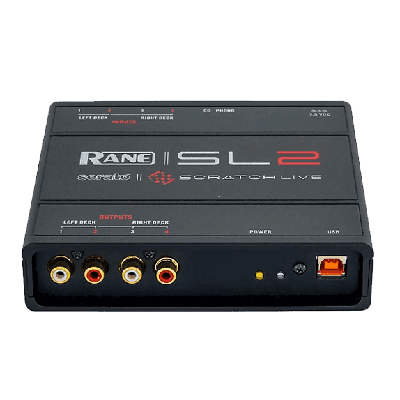
The listed Rane SL 2 is designed to connect a standard DJ mixer and turntables or CDJs to Serato DJ software. Its direct product image shows the compact interface and its audio and USB connections, making this the equipment-specific reference for the page.
Before reserving it, identify the computer and software, playback sources, mixer, and connections in the DJ’s workflow. Compatibility should be confirmed from the complete setup rather than from the interface name alone.
- Start with the source
Confirm whether the performance uses turntables, CDJs, or another supported playback path.
- Map the mixer connection
Identify the mixer and the audio connections needed on each side of the interface.
- Confirm the computer workflow
Share the Serato computer and software details before assuming compatibility.

Check the complete signal path before event day
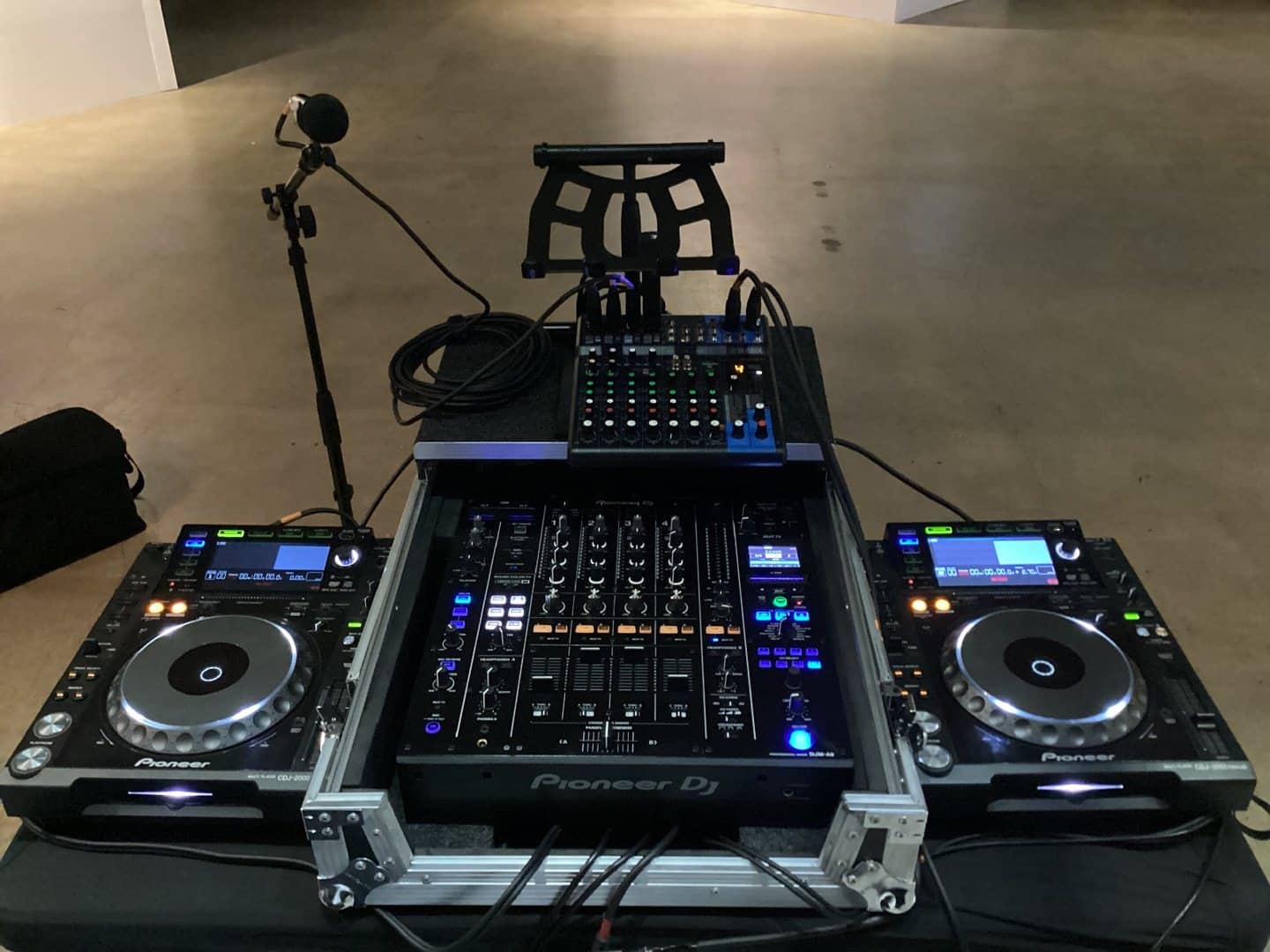
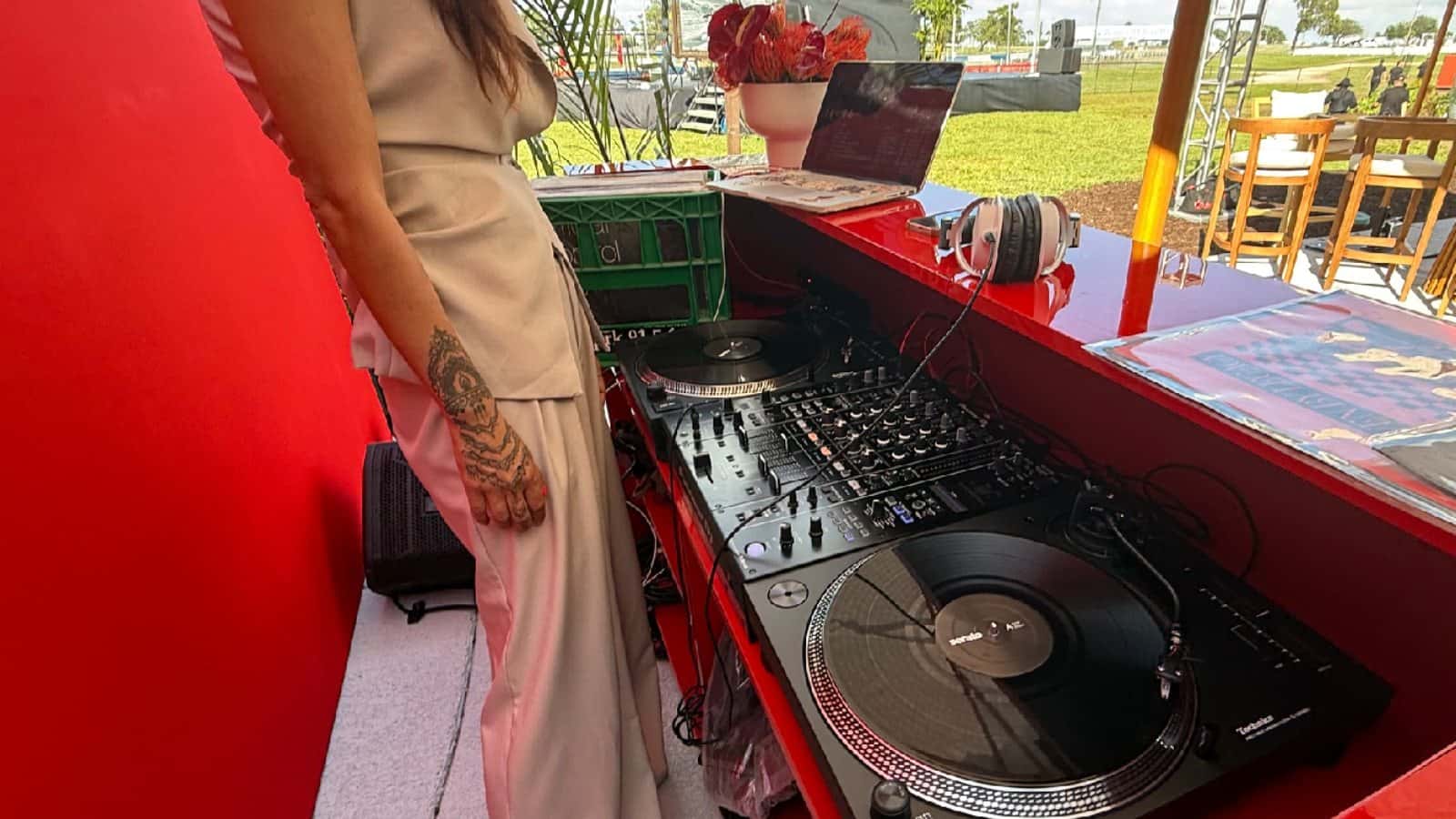
An interface does not replace the players, mixer, computer, or every cable in the signal chain. The accompanying image illustrates the surrounding mixer-and-digital-player workflow; the Rane interface itself is shown in the preceding section.
List each component the DJ expects to use and note who is supplying it. That simple check helps separate the interface rental from companion equipment that may need to be selected elsewhere in the catalog.
- Playback equipment
Confirm the exact turntables or digital players required by the performance workflow.
- Mixer and monitoring
Match the mixer and monitoring plan to the DJ’s requested setup.
- Responsibility list
Record which components are rented and which the DJ or venue will provide.
Frequently Asked Questions
Practical answers about the Rane SL 2, companion equipment, compatibility, and fulfillment.
What does the Rane SL 2 DJ interface do?
The listed product connects a standard DJ mixer and turntables or CDJs to Serato DJ software. It is an interface within the signal path, not a replacement for the computer, playback equipment, or mixer.
Do I need a mixer and turntables or CDJs with the interface?
The Rane product description is built around a mixer plus turntables or CDJs. Confirm the exact playback sources and mixer your DJ plans to use so the complete workflow can be reviewed.
Is a DJ interface the same as a DJ mixer or controller?
No. This interface connects parts of a Serato-based workflow, while the mixer handles the audio mix and a controller is a separate type of DJ control surface. Use the dedicated mixer and controller pages when those are the products you need.
Are the mixer, decks, computer, and cables included?
Do not assume companion equipment is included with the interface. Review the product listing and add any required mixer, turntables, CDJs, computer workflow, or connections separately after compatibility is confirmed.
What should I provide for a compatibility check?
Share the DJ’s computer and software, mixer model, playback sources, expected connections, event date, and whether other parts of the setup are being supplied by the DJ or venue.
Can I pick up the interface or schedule delivery?
The listed Rane interface is marked for pickup in the catalog. The site also provides a delivery path; enter the event details or contact Miami Sound Rental so the applicable fulfillment option can be confirmed.
Recent Events
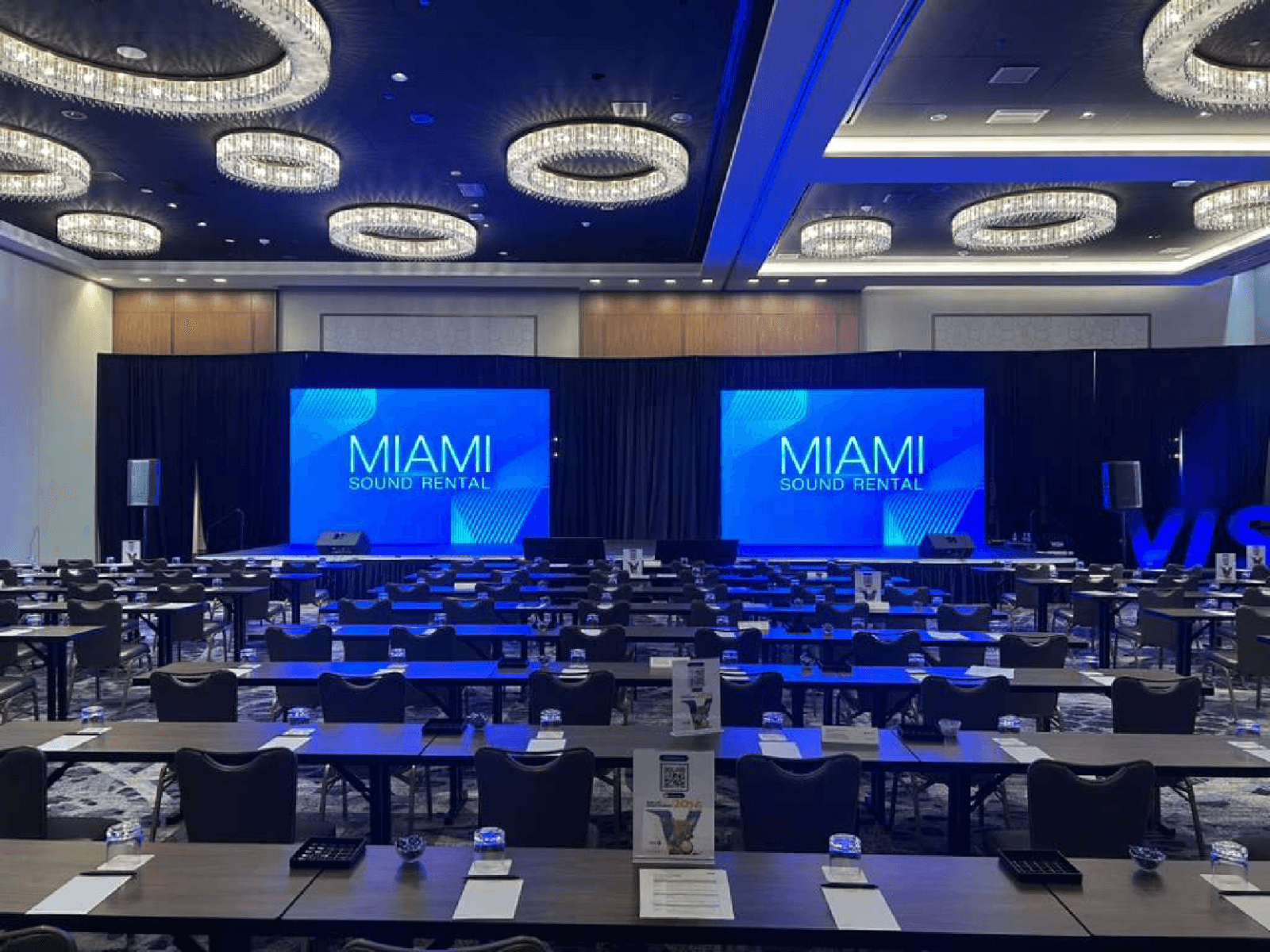
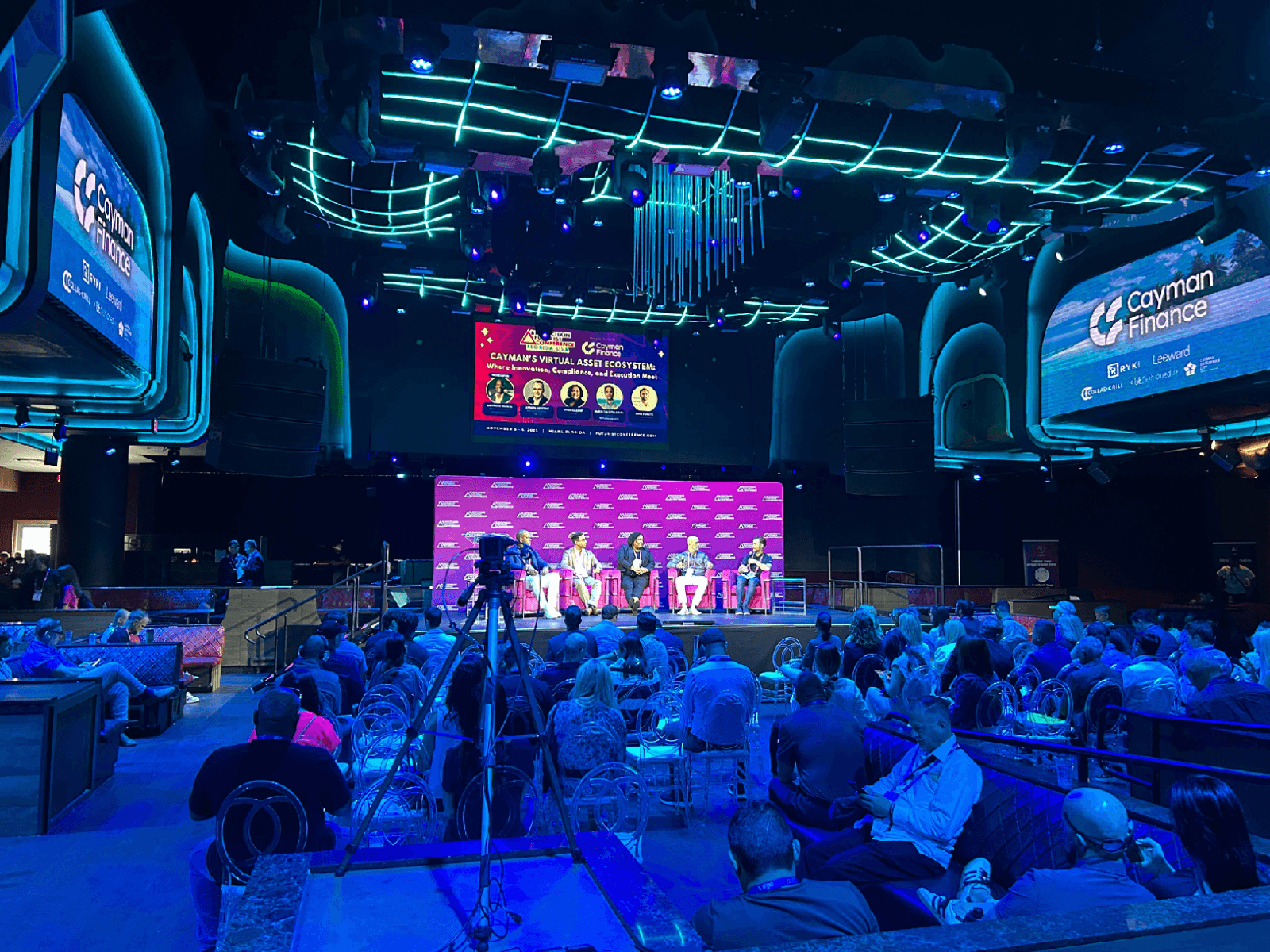
Every month, we service more than 150 conferences and events, from small local meetings to large international ones.
Google reviews from Miami Sound Rental clients
Stored testimonials remain visible while live Google review data is temporarily unavailable.
It’s a pleasure to work with Mario and his team, they are quick, efficient, and professional. Have done a few events already and looking forward to many more
We used Miami Sound Rental for a conference we were sponsoring. They were the perfect choice for the role. Easy to work with and arrived on time. Quick and efficient. We had to change a few things the week before the event and they were able to accommodate our changes with no issue.
Delivered on time and showed us exactly how to use the equipment and picked it up the next morning! Was perfect for my birthday party and would definitely use them again!