Passive stereo direct box with inputs and controls visible
Direct boxes for audio signal routing

DI Box Rental

Choose a direct box by the source connector, mono or stereo format, channel count, and the balanced XLR input it needs to reach. Compare the passive, active, 3.5 mm, and multimedia options in the current product list.

Compare DI Boxes
  1. 1. Identify the sourceName the device and its output connector.
  2. 2. Count channelsConfirm whether the source path is mono or stereo.
  3. 3. Match the inputIdentify the receiving balanced XLR connection.
  4. 4. Choose the productCompare the live DI box cards and rental dates.
Browse rental equipment

DiBox Catalog

  • Delivery & setup available across South Florida
  • 15–30% multi-day savings applied at checkout
  • AV team support before and during your rental

Showing 14 of 4 dibox catalog options

Rentals from $9.00 / 24 hours
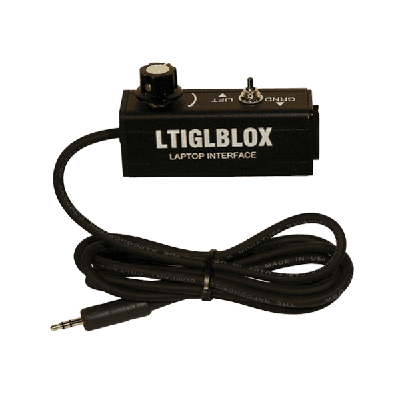
3.5mm Passive DI Box

Ideal for band equipment, the 3.5mm Passive DI Box connects consumer-grade devices like laptops and mobile devices to professional A/V gear. Compact and sturdy, it offers single XLR output for quick setup....

Rental price · 24 hours$16.00
Delivery & setup from$120.00 per orderFinal price uses your dates, location and complete order
Pickup or delivery · live availability after datesChoose Dates & Rent Online
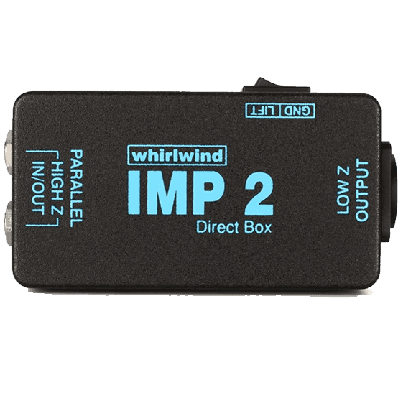
IMP 2 /1-channel Passive Di Box

Built rugged on the inside and outside, this is the world famous DI found in pro systems everywhere. The IMP 2 converts a line or instrument level unbalanced signal to a low...

Rental price · 24 hours$9.00
Delivery & setup from$120.00 per orderFinal price uses your dates, location and complete order
Pickup or delivery · live availability after datesChoose Dates & Rent Online
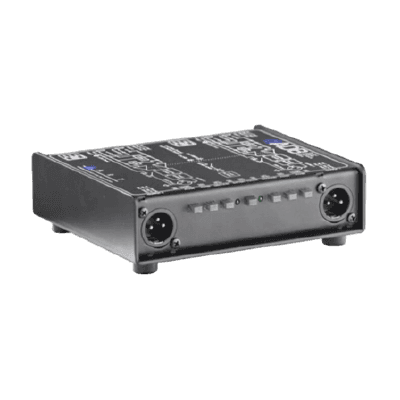
ART Dual Active Direct Box

The ART Dual Active Direct Box converts a line or instrument level unbalanced signal to a low mic level balanced signal.

Rental price · 24 hours$12.00
Delivery & setup from$120.00 per orderFinal price uses your dates, location and complete order
Pickup or delivery · live availability after datesChoose Dates & Rent Online
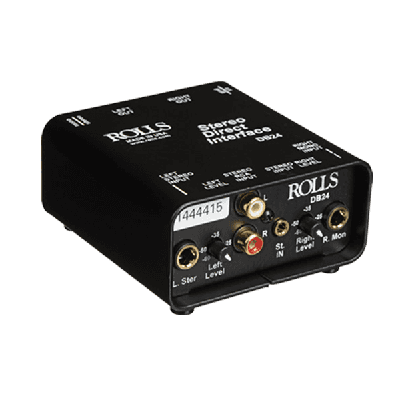
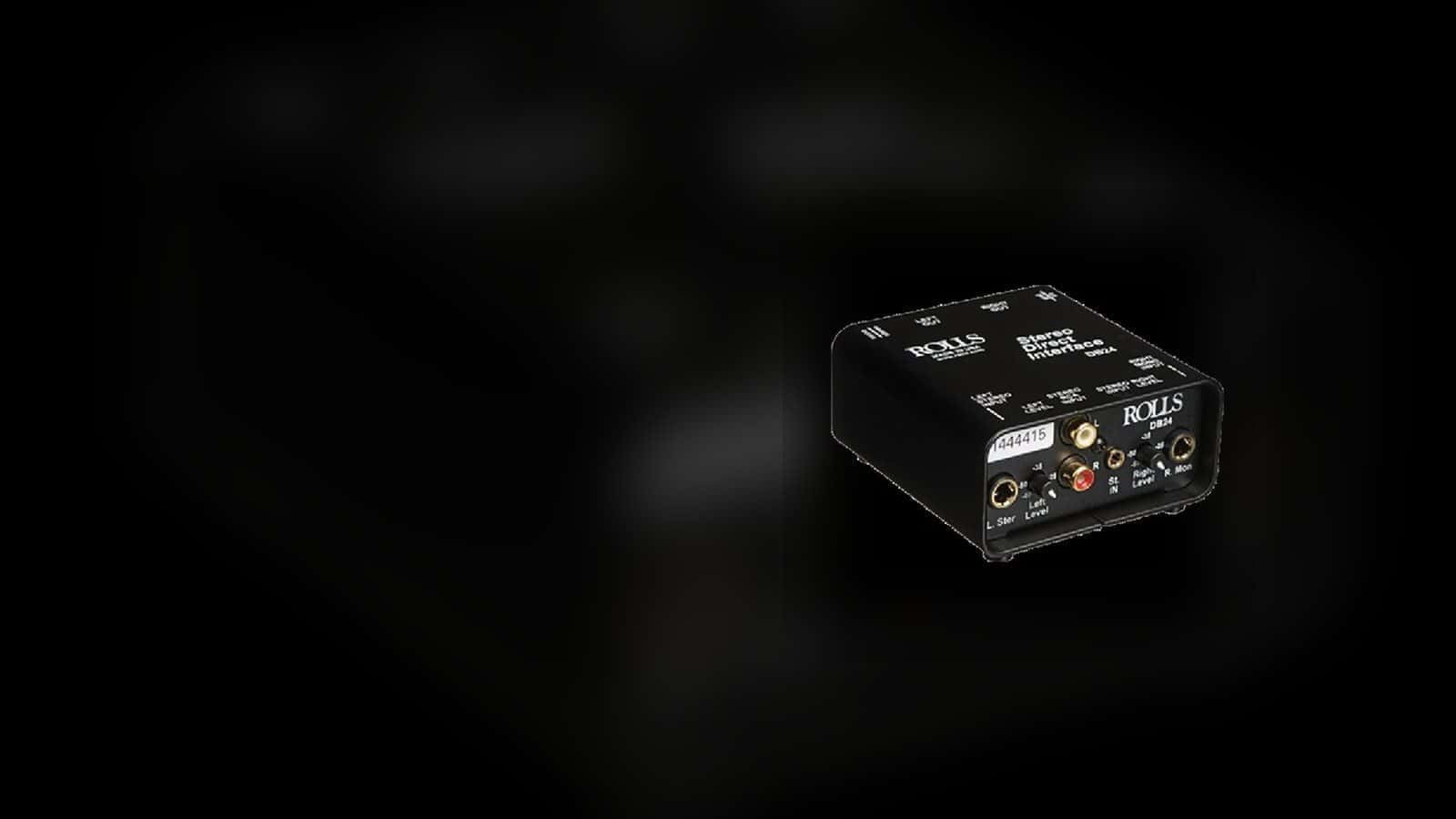
Multimedia Passive Stereo Direct Box

This passive direct box requires no batteries and can convert stereo and mono 1/4", stereo RCA, and stereo 3.5mm TRS mini jack inputs to dual balanced

Rental price · 24 hours$15.00
Delivery & setup from$120.00 per orderFinal price uses your dates, location and complete order
Pickup or delivery · live availability after datesChoose Dates & Rent Online
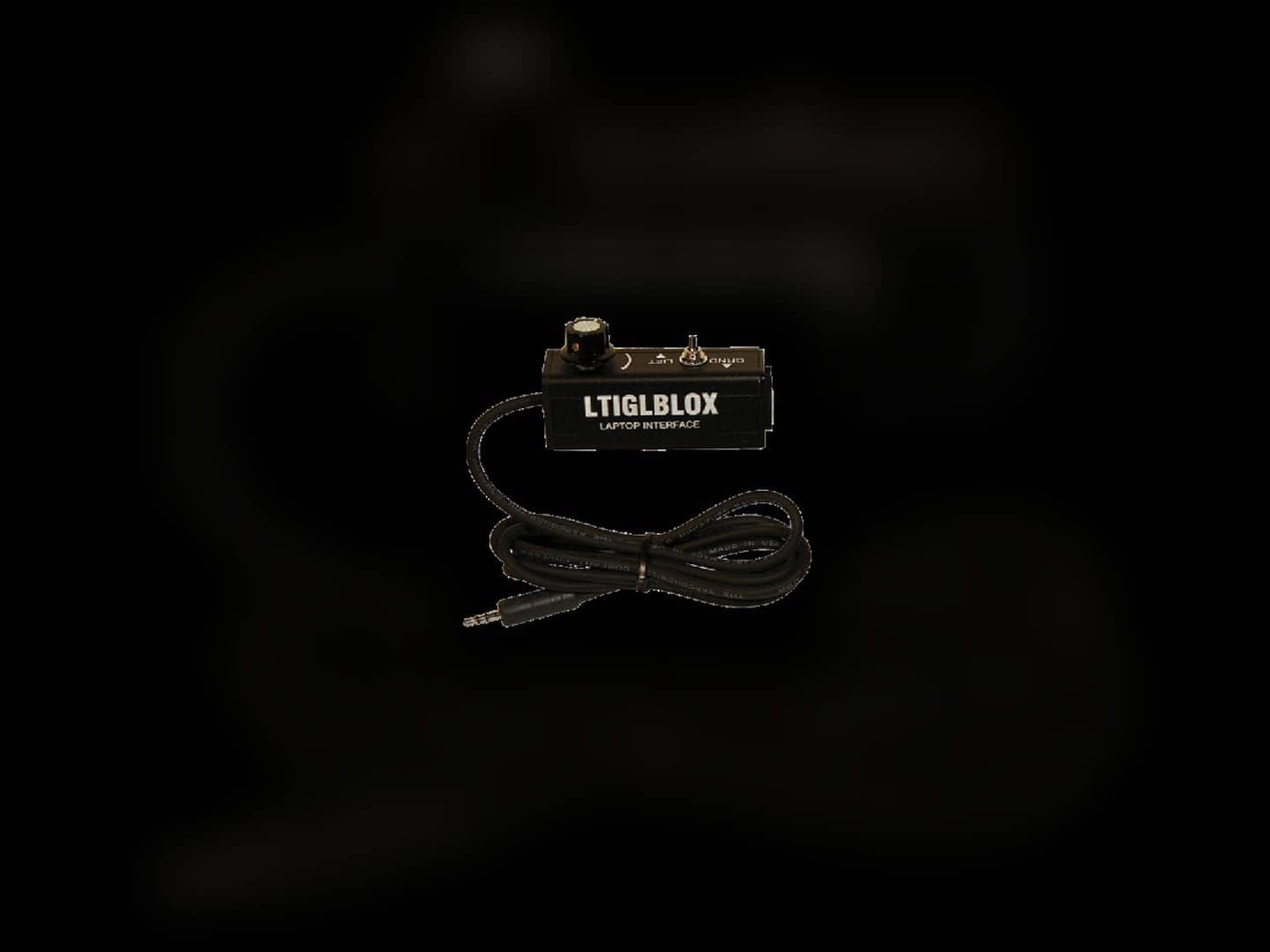
Passive direct box with an attached 3.5 millimeter audio cable
A dedicated 3.5 mm passive option for compact playback sources

Start with the source connector and mono-or-stereo format

The 3.5 mm passive DI product is documented for connecting laptops and mobile devices to professional A/V equipment through an XLR output. The catalog also includes a multimedia passive stereo direct box that accepts quarter-inch, RCA, and 3.5 mm inputs and provides dual balanced XLR outputs.

Those products are not interchangeable simply because both mention 3.5 mm. Identify the exact source connector and whether the program must remain stereo before choosing a single-output or dual-output path.

  • Identify the device

    Record whether the source is an instrument, laptop, mobile device, or another line-level component.

  • Name the connector

    Confirm whether the source uses 3.5 mm, RCA, quarter-inch, or the connector documented on another product.

  • Preserve the required format

    Decide whether one mono XLR output is sufficient or whether the workflow needs dual balanced outputs for stereo.

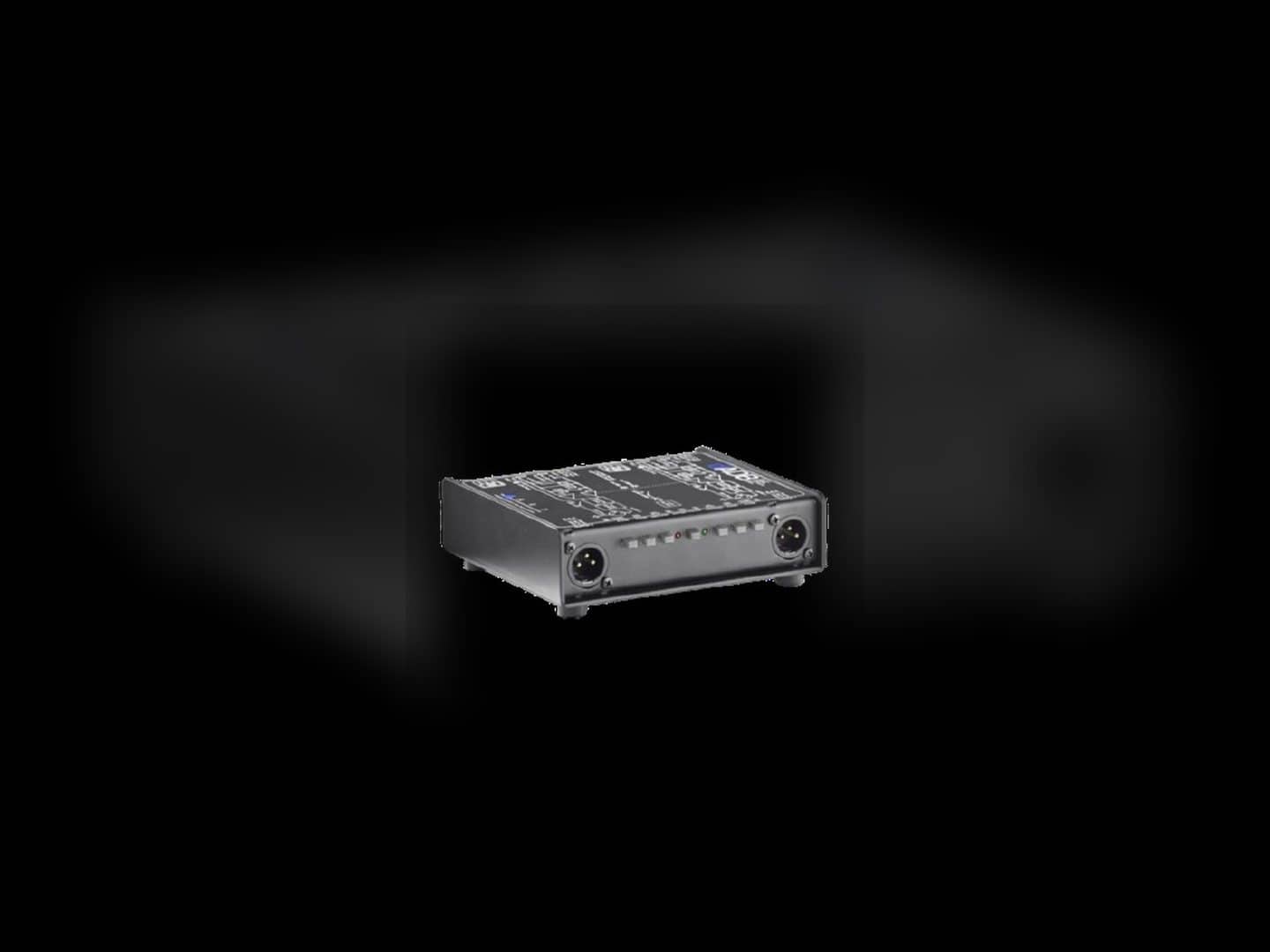
Dual-channel active direct box with front XLR connectors
The current catalog includes single-channel passive and dual active choices

Match passive or active operation to the channel plan

The listed IMP 2 is a one-channel passive DI box, while the ART product is a dual active direct box. Both product records describe converting an unbalanced instrument or line signal to a lower-level balanced signal for a microphone input, but their channel count and operating type differ.

Count the sources that need conversion and confirm the destination inputs with the person planning the audio system. Do not choose solely from the words active or passive; the source, number of channels, connectors, and complete signal path all matter.

  • Count independent sources

    A single source and a two-channel source plan can require different DI configurations.

  • Confirm the destination

    Identify the balanced XLR microphone inputs that will receive the converted signal.

  • Review active versus passive

    Use the documented product type together with the source and system plan instead of treating it as a standalone quality ranking.

Trace the balanced path

Use the companion pages to identify the receiving mixer, the required XLR cable, and any microphones selected for the wider band setup; each remains a separate catalog choice.

DI box selection

Frequently Asked Questions

Practical answers about source connectors, mono and stereo paths, passive and active choices, pickup, and system-planning boundaries.

What does a DI box do in this equipment catalog?

The listed instrument and line DI products are described as converting an unbalanced source signal to a lower-level balanced signal for a microphone input. The exact inputs, outputs, and channel count depend on the selected product.

Should I choose a passive or active DI box?

The current page includes both passive and active choices. Base the selection on the source, connector, number of channels, destination input, and complete system plan rather than assuming one type fits every source.

Can I connect a laptop or mobile device to a DI box?

The current catalog includes a 3.5 mm passive DI documented for laptops and mobile devices, plus a multimedia passive stereo direct box with 3.5 mm, RCA, and quarter-inch input options. Confirm the device output and required XLR format before choosing.

Which DI box keeps a stereo source in two channels?

The multimedia passive stereo direct box is documented with dual balanced XLR outputs for compatible stereo or mono sources. Review its live product card and the receiving mixer inputs before reserving it.

Are DI boxes on this page available for pickup?

All four current assigned product records are marked for pickup. Confirm the item, dates, and applicable fulfillment option in the live rental flow.

Do the listed DI boxes require a technician?

The four current DI box records are not marked as requiring a technician. A larger audio system may still need a qualified person to verify routing, gain structure, and operation.

Live Google feedback

Google reviews from Miami Sound Rental clients

Stored testimonials remain visible while live Google review data is temporarily unavailable.

GoogleCurrent ratingVerifiedGoogle reviewsLiveLatest sync
Google · South Florida

It’s a pleasure to work with Mario and his team, they are quick, efficient, and professional. Have done a few events already and looking forward to many more

Kathy StamosDec 27, 2023
Google · South Florida

We used Miami Sound Rental for a conference we were sponsoring. They were the perfect choice for the role. Easy to work with and arrived on time. Quick and efficient. We had to change a few things the week before the event and they were able to accommodate our changes with no issue.

Stephanie Van TieghemDec 4, 2023
Google · South Florida

Delivered on time and showed us exactly how to use the equipment and picked it up the next morning! Was perfect for my birthday party and would definitely use them again!

Erica JeromeNov 2, 2023