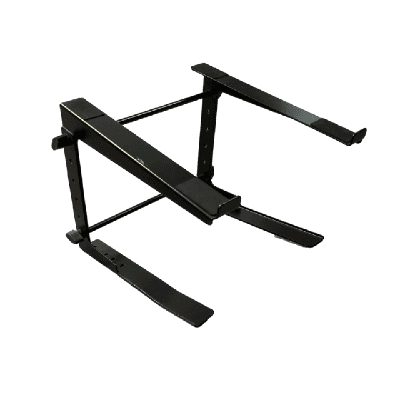
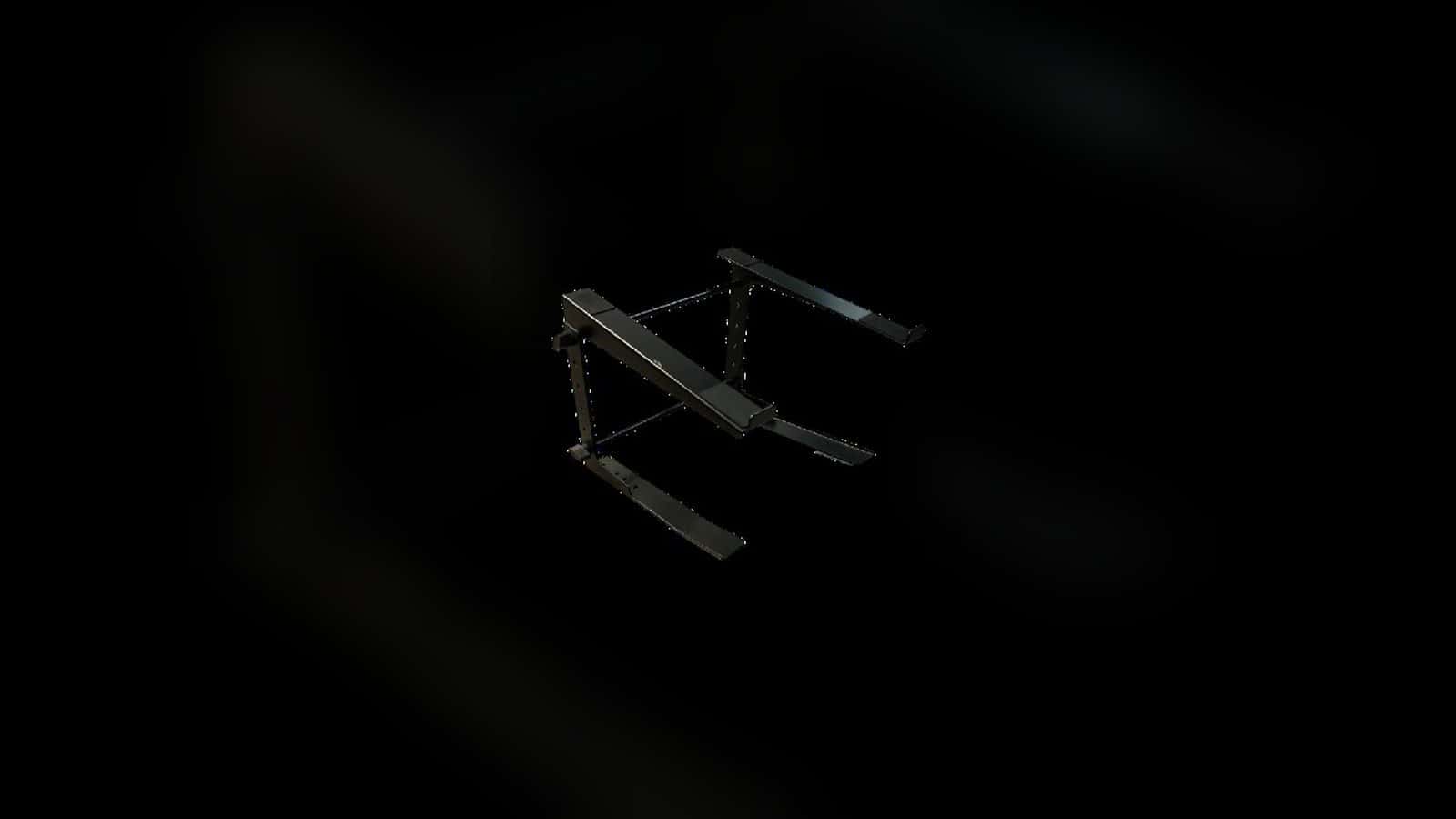
A sleek, professional Laptop Stand designed to make your production experience simplistic and efficient. Constructed of durable materials to withstand any event environment.

Laptop Stand Rental
The hero shows the only active product assigned to this route: the Laptop Stand. Confirm the exact device footprint and weight, the live stand support surface and adjustment options, the connector side, desired working height, placement, cable path, and fulfillment before selecting it; the record does not provide dimensions, load rating, adjustment range, attachment method, or a compatibility list.
- 1. Identify the deviceRecord its model, footprint, weight, ports, and ventilation needs.
- 2. Verify the standConfirm support, load, adjustment, attachment, and compatibility.
- 3. Map the workstationSet reach, sightlines, adjacent controls, surfaces, and traffic.
- 4. Confirm every lineSeparate the stand, laptop, cables, power, surfaces, and fulfillment.
Stand Catalog
- Delivery & setup available across South Florida
- 15–30% multi-day savings applied at checkout
- AV team support before and during your rental
Showing 1–1 of 1 stand catalog options
Rentals from $5.00 / 24 hoursExplore other AV categories
Build beyond sound with equipment and production services coordinated by the same local team.

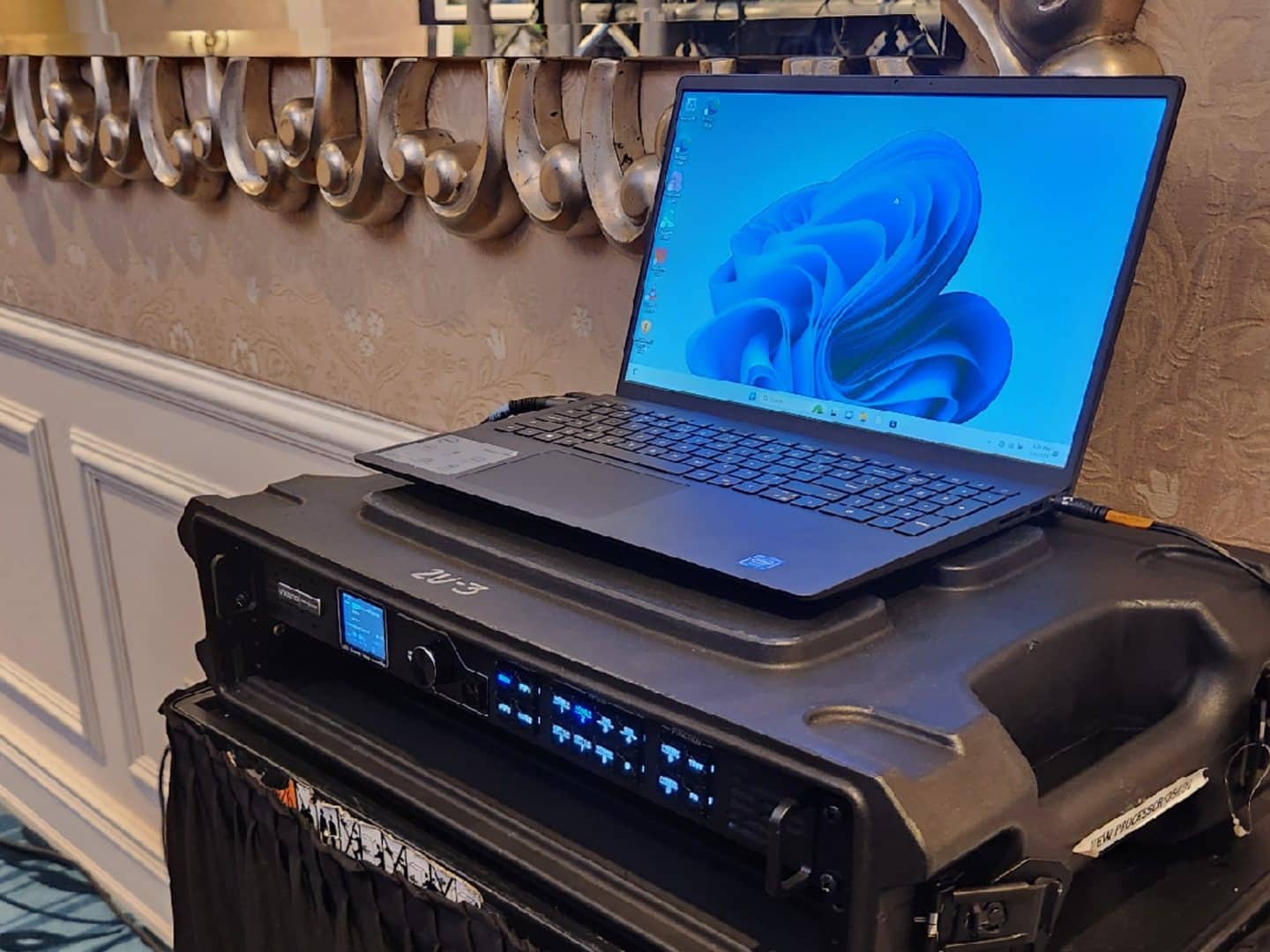
Confirm the device and support surface before choosing the stand
This image shows the active Presentation Laptop resting directly on separate production equipment with a cable connected; no Laptop Stand is visible. The laptop, rack, processor, cable, venue, and other equipment are separate unless individually listed. Use this scene only to plan device footprint, cable direction, and clearance, then verify the exact laptop and stand records.
Identify the device by make and model, measure its base, note its weight, and mark the power, data, audio, ventilation, and user-access sides. State the desired screen and keyboard position plus the surface or structure near the stand. Then confirm the live stand support surface, load rating, adjustment range, attachment method, stability requirements, and compatibility instead of assuming that any laptop fits or that any pictured support equipment accompanies the order.
- Identify the exact device
Provide the model, base footprint, weight, connector locations, ventilation needs, and how the operator will use it.
- Define the support point
Describe the table, case, rack, booth, or other surface near the proposed stand without treating it as included.
- Verify the live stand
Confirm support dimensions, load rating, adjustment, attachment, stability, and compatibility from the exact current record.

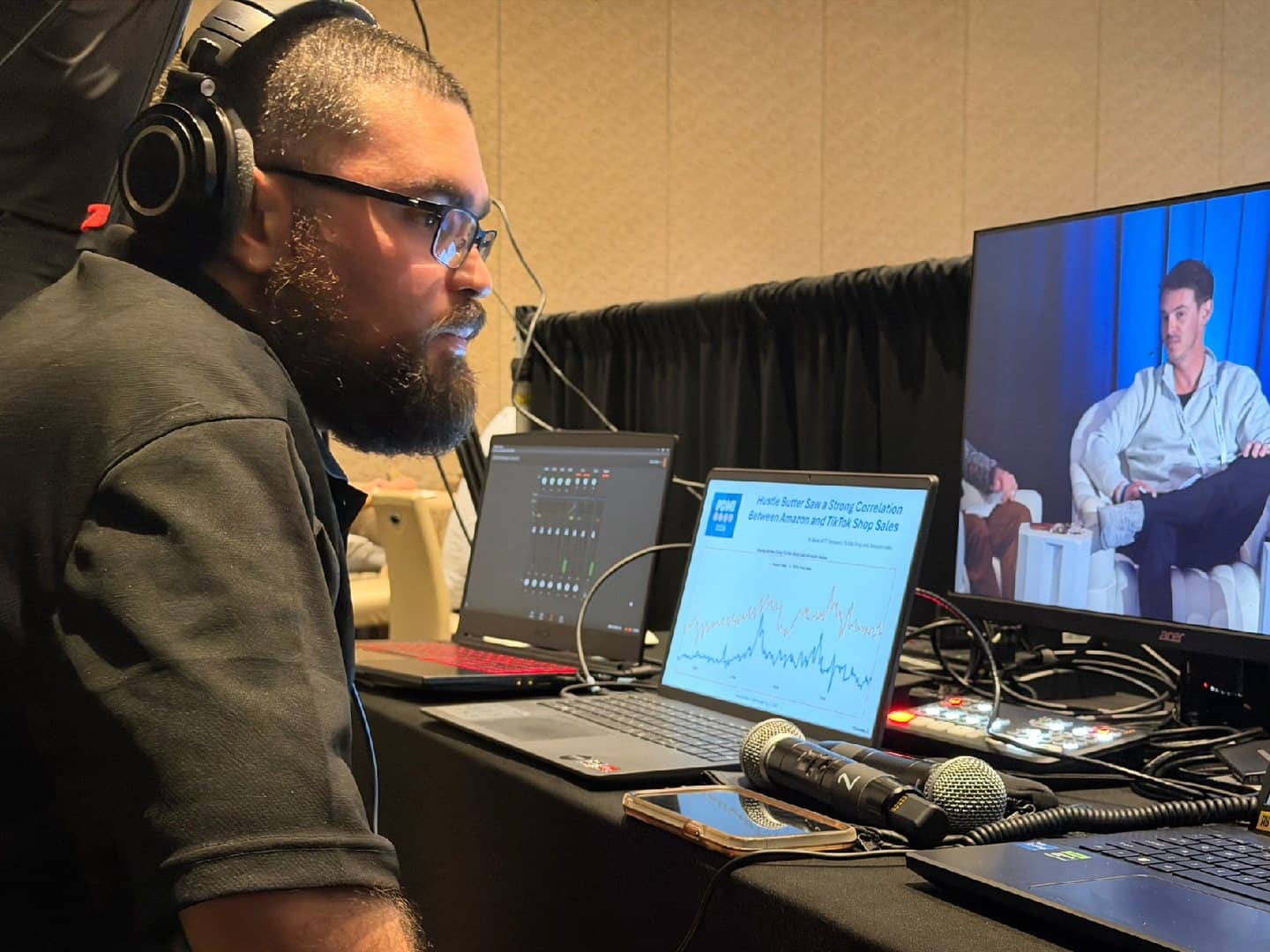
Plan the operator position and cable path as one layout
This image is directly linked to the active Presentation Laptop and shows an operator with multiple laptops and separate control equipment; no Laptop Stand is visible. The laptop, microphones, display, control hardware, table, operator, venue, and other equipment are separate unless individually listed. Use the scene only to plan operator reach, sightlines, adjacent controls, and cable routing.
Sketch the operator's standing or seated position, the desired screen angle, nearby mixers or switchers, surfaces and cases, access to each connector, and any equipment that must open or be serviced. Trace power and signal separately from the device to their confirmed destinations, leaving room for strain relief and preventing cables from pulling across controls, walkways, doors, or case lids. Confirm who places and removes each item, then keep every laptop, table, rack, cable, power product, and control device on its own live order line.
- Map reach and sightlines
Set the operator position, screen angle, input access, and distance to nearby controls before fixing the stand location.
- Trace every cable
Identify power and signal destinations, connector directions, service loops, strain relief, crossings, and traffic exposure.
- Separate the order lines
Confirm the stand, laptop, tables, racks, processors, displays, microphones, cables, and power products individually.
Frequently Asked Questions
Practical boundaries for the one exact stand, the two related laptop images, compatibility checks, workstation layout, companion equipment, pickup, and outdoor-use assumptions.
What product is actually shown in the hero?
The hero uses the exact primary image for product 6425ea1ab0a1180fbddc344f, the only active Laptop Stand assigned to this route. It is the sole image on the page that shows the stand.
Do the section images show the Laptop Stand or an included laptop?
No. Both are safe-fallback planning images linked to the separate active Presentation Laptop product. No Laptop Stand is visible, and the laptop, rack, processor, cables, microphones, display, controls, table, operator, venue, and other equipment are separate unless individually listed.
Will this stand fit my laptop or controller?
The current Stand record does not provide dimensions, tray size, load rating, adjustment range, attachment method, or a compatibility list. Provide the exact device model, base footprint, weight, connector positions, ventilation needs, and desired working height, then verify the live stand specifications before selection.
What layout details should I provide?
Share the operator position, standing or seated use, screen angle, nearby surfaces and controls, connector access, power and signal destinations, traffic paths, doors, case lids, and who will place and remove each item.
Are cables, a table, rack equipment, or power distribution included?
Do not infer any inclusion from the section photographs. Choose every laptop, cable, table, rack, processor, display, microphone, control device, and power product from its own live record, and confirm the agreed order line by line.
Can I pick up or use the Laptop Stand outdoors?
The current record is marked for pickup and outdoor use, but those flags do not guarantee stock, delivery, weather resistance, rain exposure, surface stability, venue approval, or suitability for a particular site. Confirm dates, fulfillment, wind and weather exposure, protection, setup responsibility, and live product guidance before use.
Recent Events
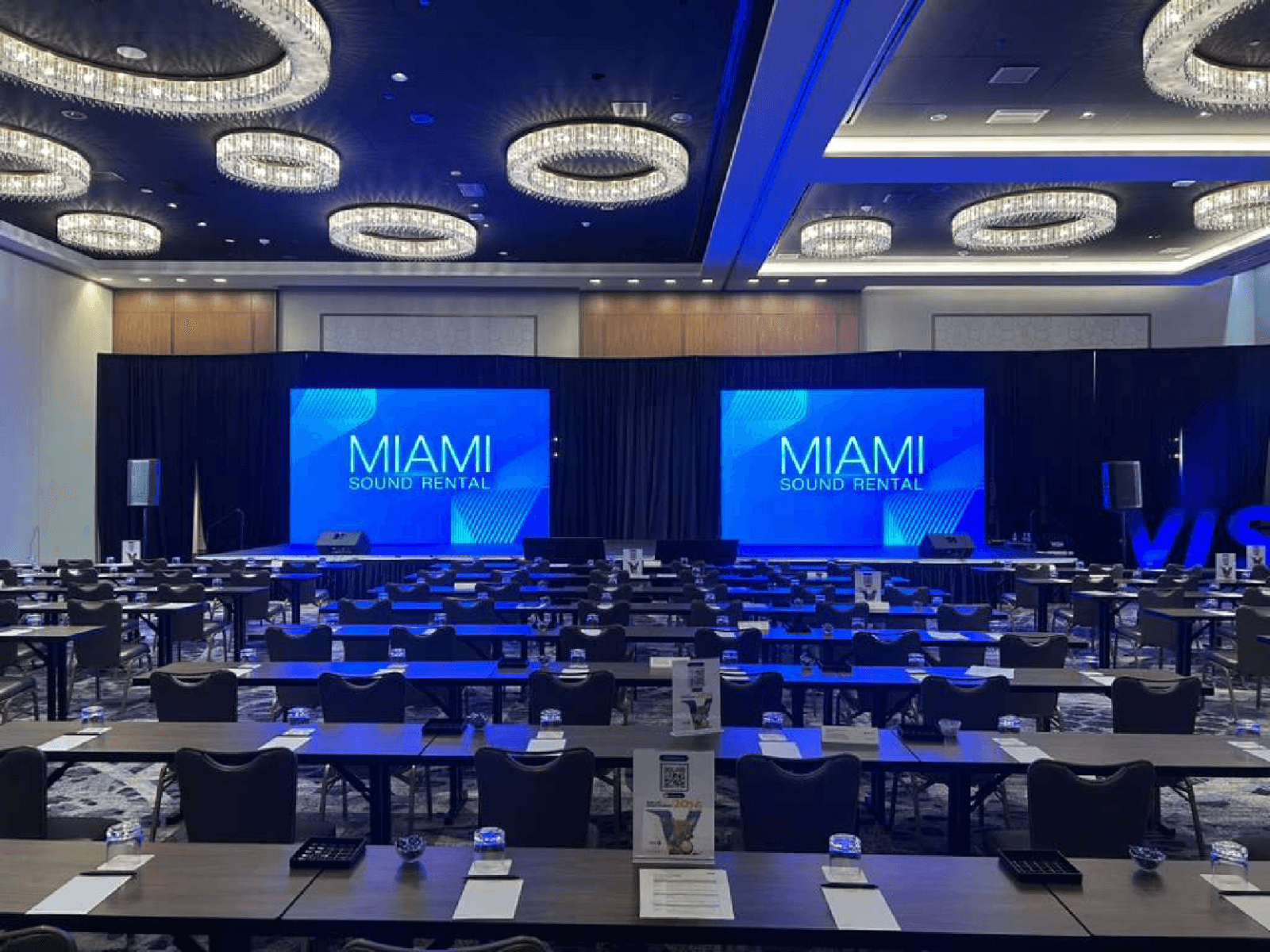
Every month, we service more than 150 conferences and events, from small local meetings to large international ones.
Google reviews from Miami Sound Rental clients
Stored testimonials remain visible while live Google review data is temporarily unavailable.
It’s a pleasure to work with Mario and his team, they are quick, efficient, and professional. Have done a few events already and looking forward to many more
We used Miami Sound Rental for a conference we were sponsoring. They were the perfect choice for the role. Easy to work with and arrived on time. Quick and efficient. We had to change a few things the week before the event and they were able to accommodate our changes with no issue.
Delivered on time and showed us exactly how to use the equipment and picked it up the next morning! Was perfect for my birthday party and would definitely use them again!