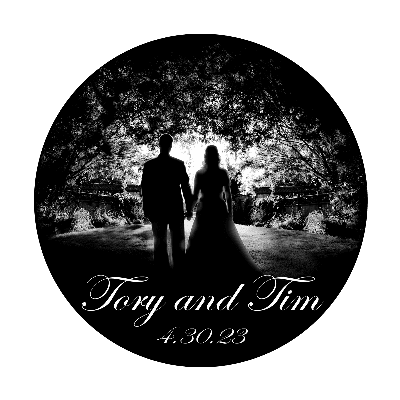
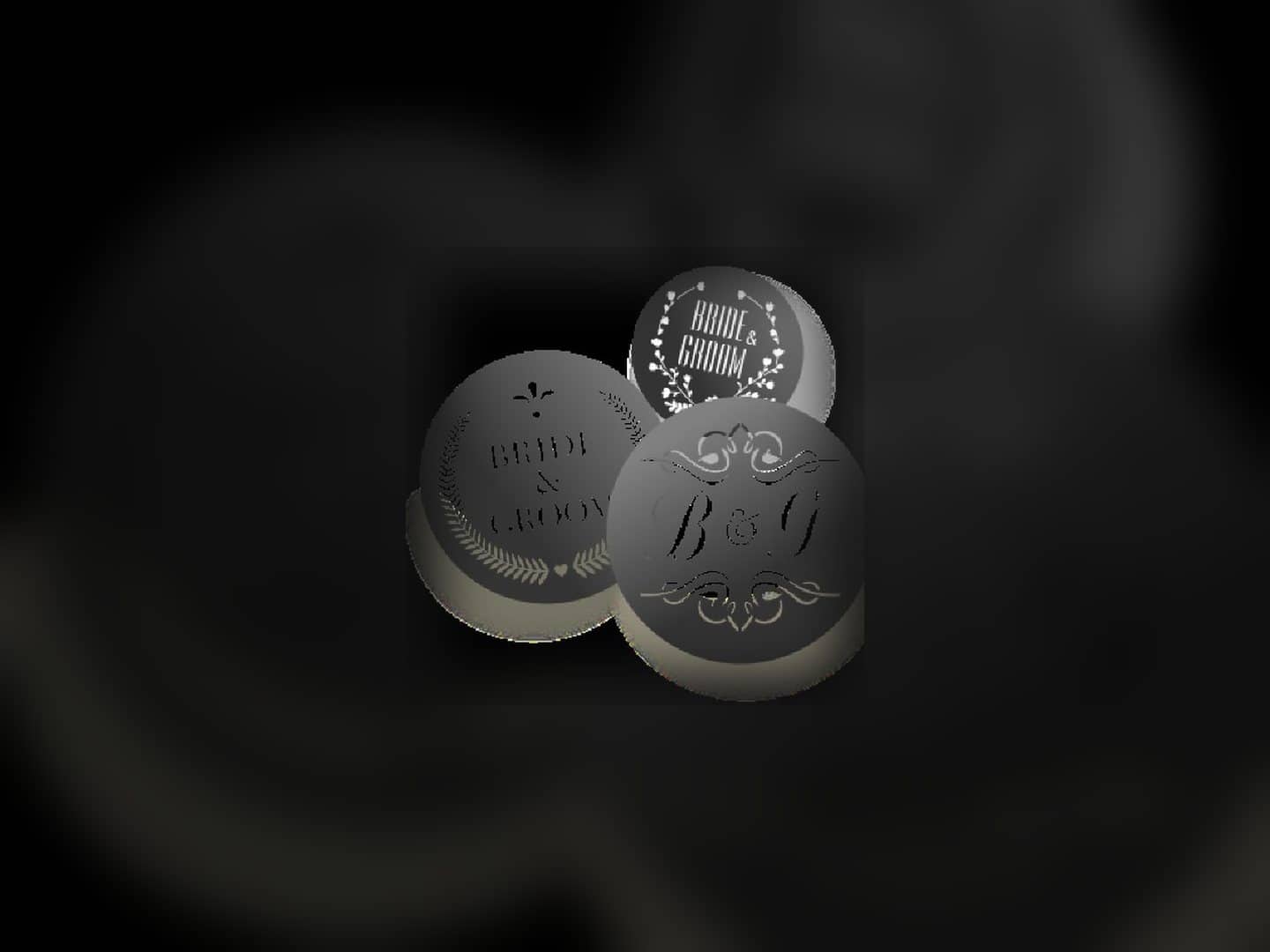
Elevate your event ambiance with the user-friendly Custom Monogram Metal Gobo, perfect for displaying monograms or logos. This lightweight, metal constructed projector accessory is versatile and easy to install.

GOBO Projector Rental
Start with a custom metal or glass gobo for the name, initials, insignia, or logo you want to project. The current gobo products are purchase-only accessories, and the compatible projector must be selected separately for the surface and placement plan.
- 1. Define the artworkProvide the exact name, initials, insignia, or logo.
- 2. Choose the goboReview the current metal and glass product records.
- 3. Map the projectionIdentify the surface, projector position, angle, and distance.
- 4. Confirm both pathsPlan custom-gobo timing and the separate projector selection.
Gobo Catalog
- Delivery & setup available across South Florida
- 15–30% multi-day savings applied at checkout
- AV team support before and during your rental
Showing 1–2 of 2 gobo catalog options
Add a personal touch to your event with the projection of unique insignias, logos or event names using a Custom Monogram Glass Gobo. It delivers crisp and vibrant images on any flat...
Explore other AV categories
Build beyond sound with equipment and production services coordinated by the same local team.

Choose the custom gobo from the artwork it must carry
The metal-gobo record describes a lightweight metal accessory for monograms or logos. The glass-gobo record supports custom insignias, logos, or event names and describes a crisp, vibrant projected image. Both records are marked purchase-only, and neither product description says that a projector is included.
Begin with the exact name, initials, insignia, or logo to be projected. Confirm the design and production path with Miami Sound Rental instead of assuming a file format, color treatment, revision allowance, or turnaround time that is not documented on the product cards.
- Define the artwork
Provide the exact name, initials, insignia, or logo and identify which elements must remain legible.
- Compare the two products
Review the metal and glass listings from their documented construction and supported design, not an invented quality hierarchy.
- Confirm the production path
Verify artwork preparation, approval, timing, and purchase details directly rather than assuming undocumented requirements.

Select the projector separately for the surface and placement
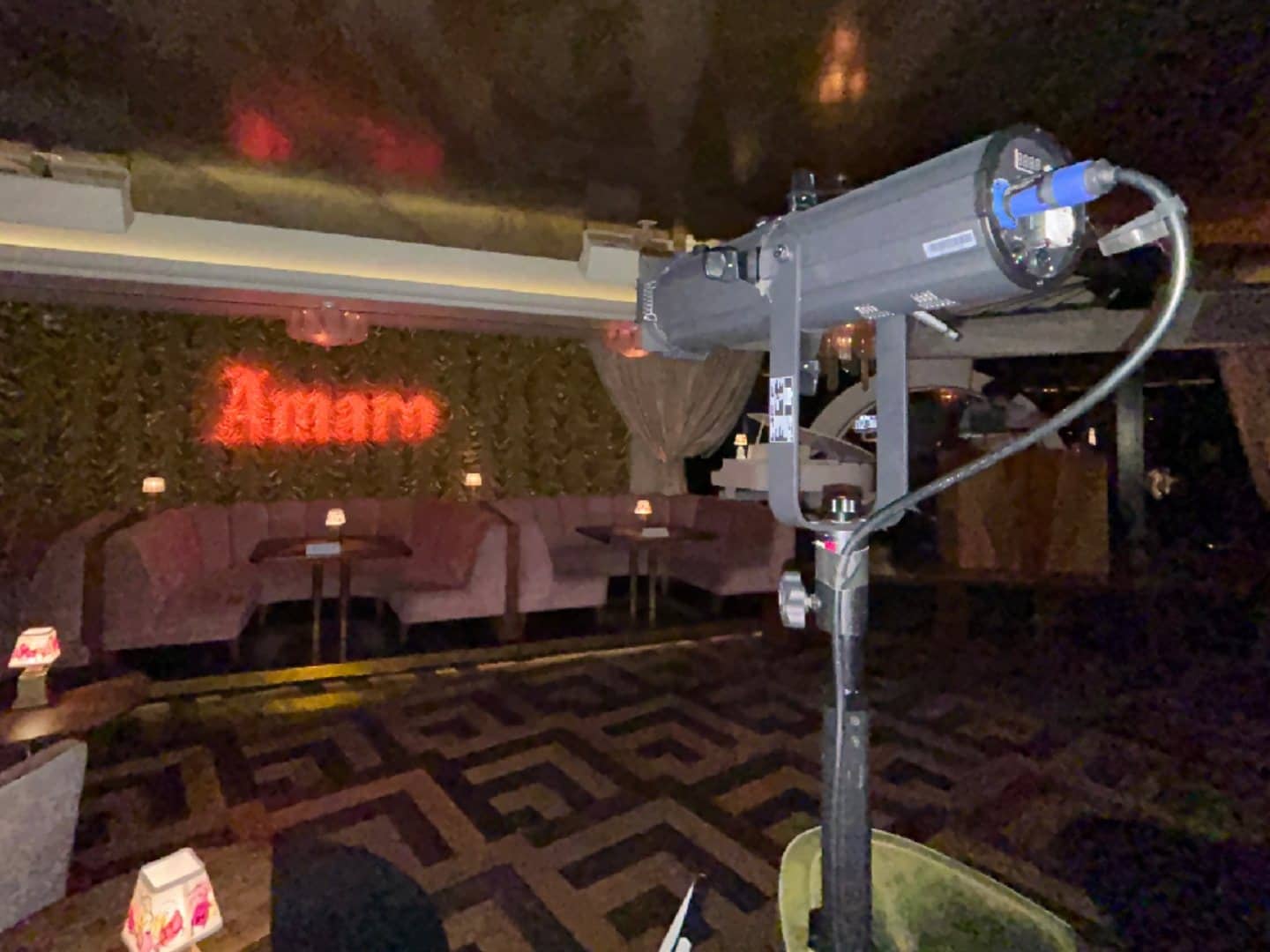
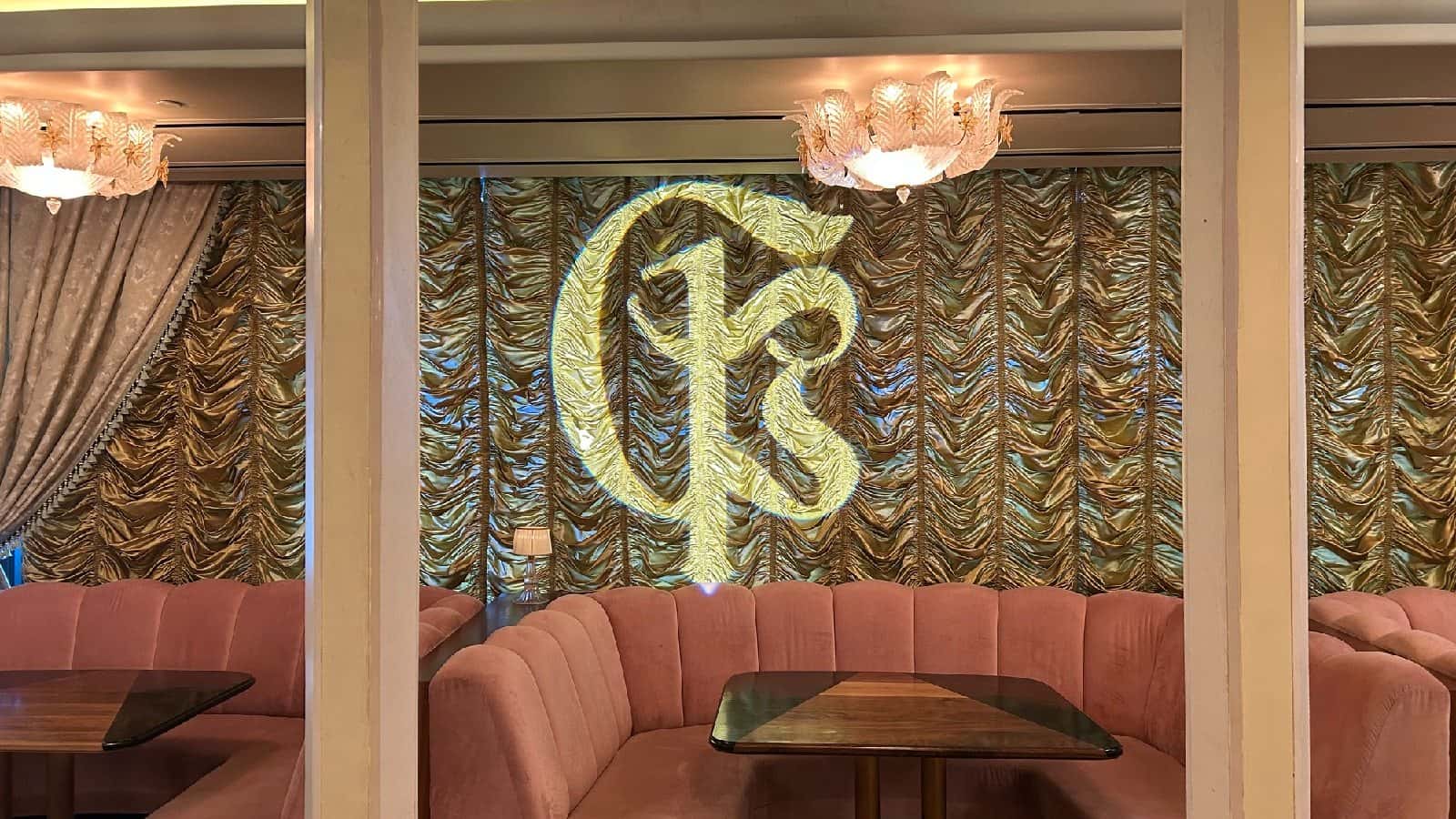
Both custom-gobo descriptions state that an additional gobo projector is required. The application image makes that separation visible: the projector is a distinct fixture aimed at the surface carrying the custom name projection. It should not be assumed to come with the metal or glass gobo.
Document the wall, backdrop, floor, facade, or other intended surface, then note the projector location and the distance between them. Surface texture, projection angle, ambient light, and available placement can affect legibility, so review the actual site and selected projector rather than promising a size or brightness from the gobo alone.
- Name the receiving surface
Identify the wall, backdrop, floor, facade, or other flat area intended to carry the projection.
- Measure the placement
Record the available projector position, approximate distance, projection angle, and obstructions.
- Select the fixture separately
Choose a compatible gobo projector independently from the custom metal or glass insert.
Frequently Asked Questions
Answers about metal and glass gobos, purchase-only status, artwork inputs, receiving surfaces, and the separately selected projector.
Is the gobo projector included with the custom gobo?
No. Both current custom-gobo descriptions state that an additional gobo projector is required. Select the compatible projector separately for the intended surface and placement.
What custom gobo products are listed on this page?
The current assignments are a Custom Monogram Metal Gobo and a Custom Monogram Glass Gobo. They are artwork-bearing inserts used inside a separately selected projection fixture.
Do I rent or purchase the custom gobo itself?
Both current custom-gobo product records are marked purchase-only. The projector is a different product and must be selected through its own rental or handling path.
What artwork can I use for a custom gobo?
The product records mention monograms, logos, insignias, and event names. Provide the exact design and confirm artwork preparation, approval, and timing without assuming undocumented file requirements or turnaround.
What projection details should I provide?
Share the intended surface, approximate projector location and distance, projection angle, ambient-light conditions, event date, and whether the projector has already been selected.
Can I pick up the gobos, and are they outdoor-rated?
Both current custom-gobo records are marked for pickup and neither is marked outdoor-rated. Confirm custom-production timing separately, and evaluate the projector and event conditions from their own requirements.
Recent Events
Every month, we service more than 150 conferences and events, from small local meetings to large international ones.
Google reviews from Miami Sound Rental clients
Stored testimonials remain visible while live Google review data is temporarily unavailable.
It’s a pleasure to work with Mario and his team, they are quick, efficient, and professional. Have done a few events already and looking forward to many more
We used Miami Sound Rental for a conference we were sponsoring. They were the perfect choice for the role. Easy to work with and arrived on time. Quick and efficient. We had to change a few things the week before the event and they were able to accommodate our changes with no issue.
Delivered on time and showed us exactly how to use the equipment and picked it up the next morning! Was perfect for my birthday party and would definitely use them again!