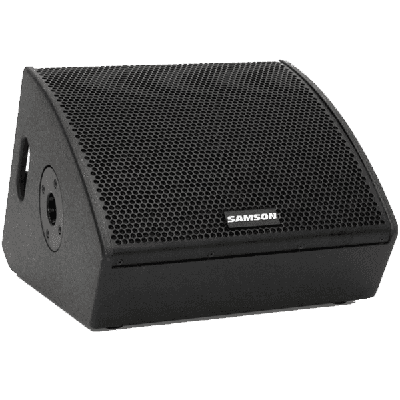
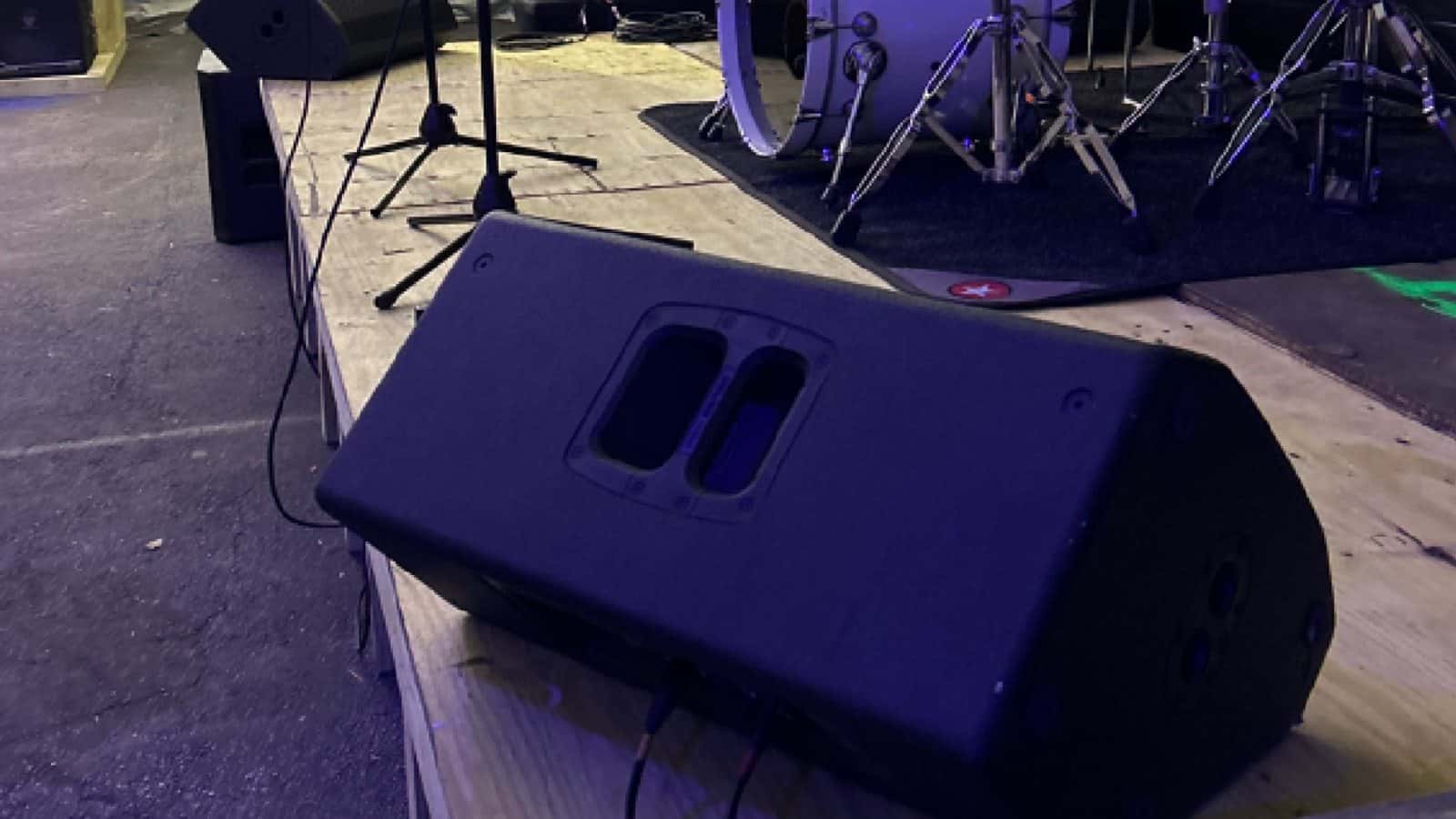
Perfect for transmitting crystal clear sound at any event, the Samson RSXM10A Wedge Stage Monitor is portable and efficient. Its resilient build material guarantees longevity and strong connectivity.

Stage Monitor & In-Ear Monitor Rentals
Give each performer a clear, controllable mix. Compare powered stage wedges and in-ear monitor systems, then rent online or ask our audio team to plan mixer sends, packs, earpieces, cabling, placement, sound check, delivery, and setup.
- 1. List performersIdentify positions, sources, movement, and what each person needs to hear.
- 2. Choose the endpointCompare a floor wedge with the current personal in-ear option.
- 3. Map the signalConfirm sends, mixes, cables, power, packs, earpieces, and sound check.
- 4. Verify fulfillmentCheck live product status, quantity, pickup, handoff, setup, and return.
Stage Monitor & In-Ear Monitor Catalog
- Delivery & setup available across South Florida
- 15–30% multi-day savings applied at checkout
- AV team support before and during your rental
Showing 1–2 of 2 stage monitor & in-ear monitor catalog options
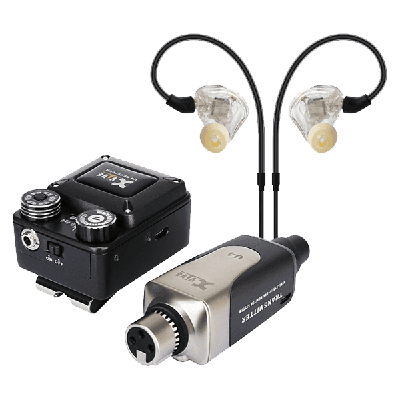
Rentals from $40.00 / 24 hoursThe T9 delivers a clear, natural sound that ensures musicians can trust their mixes and recordings. Audiophiles will appreciate the headroom to accommodate customized EQ settings from source material, letting you boost...
Explore other AV categories
Build beyond sound with equipment and production services coordinated by the same local team.

Plan each stage-monitor position and mix
A powered stage monitor sits at a performer position and receives a dedicated or shared monitor mix. Start by listing each singer, musician, DJ, or cue position; the sources each person needs; and whether any positions can share a mix. Then confirm the available mixer sends, signal and power runs, cable paths, cabinet orientation, sightlines, and clear walking areas.
For Miami, Fort Lauderdale, Palm Beach, and surrounding South Florida venues, we can help coordinate access time, stage placement, cable paths, sound-check timing, delivery, setup, and collection. Confirm every mixer, microphone, stand, cable, adapter, power item, and technician on the live listing or written scope.
- Map performer positions
Identify each performer, source, stage location, movement area, and the direction the floor wedge should face.
- Define monitor mixes
Decide which sources each position needs and whether any performers can share the same mixer send.
- Confirm the signal path
Verify mixer outputs, signal cables, power, adapters, placement, sound check, and setup responsibility.

Compare floor wedges with in-ear monitoring
A floor wedge provides sound at a stage position; an in-ear monitor system routes a personal mix to a performer. For each IEM user, confirm the exact pack and earpiece arrangement, source feed, mix responsibility, console connection, power or battery handoff, and sound-check process.
Keep a floor-wedge alternative in the plan when shared listening, personal fit, equipment familiarity, performer preference, or the available mixer path makes in-ear monitoring a poor match. Product photos do not establish channel count, frequency coordination, compatibility, battery duration, or exact inclusions—verify those details on the current listing or written order.
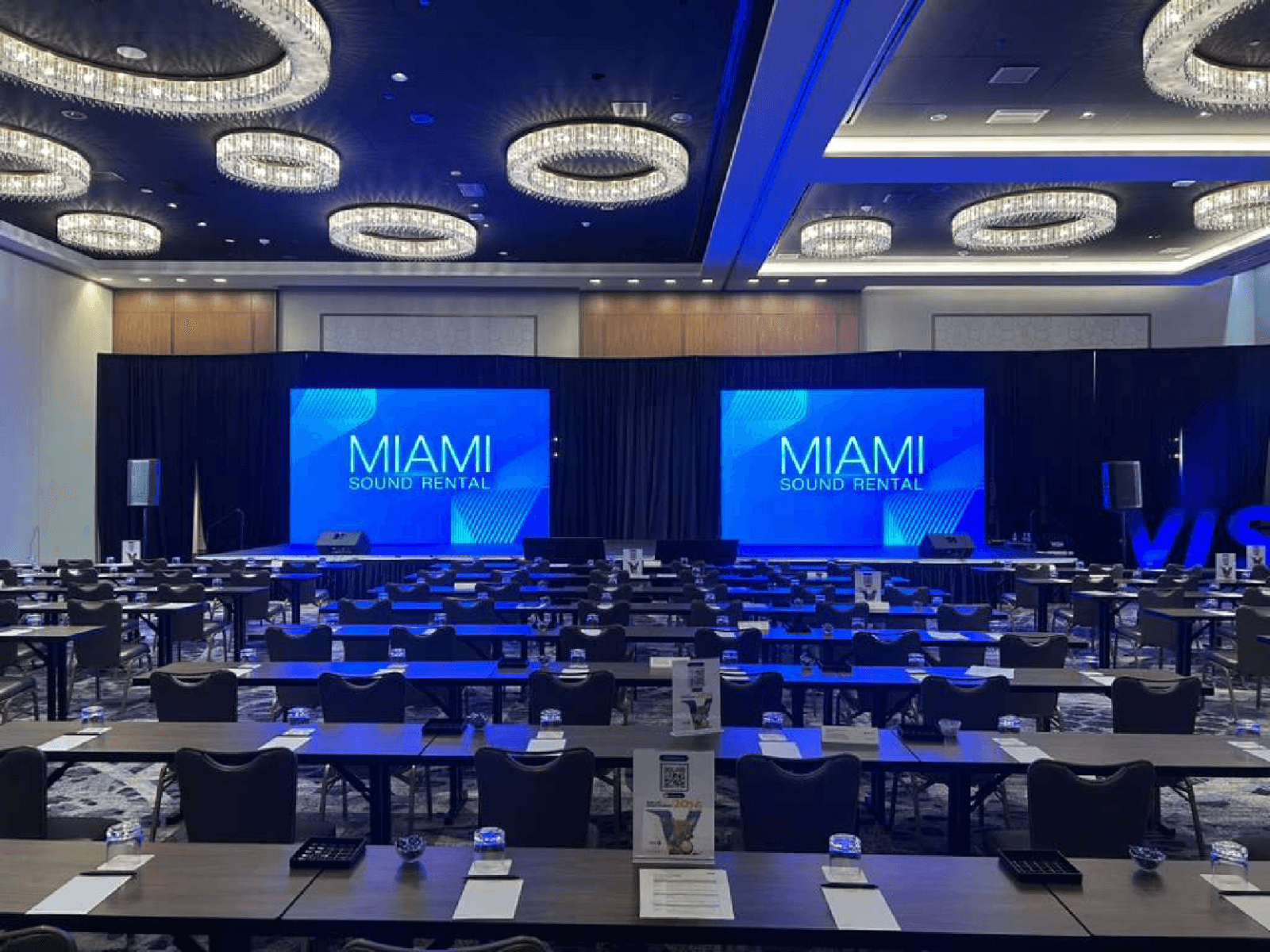
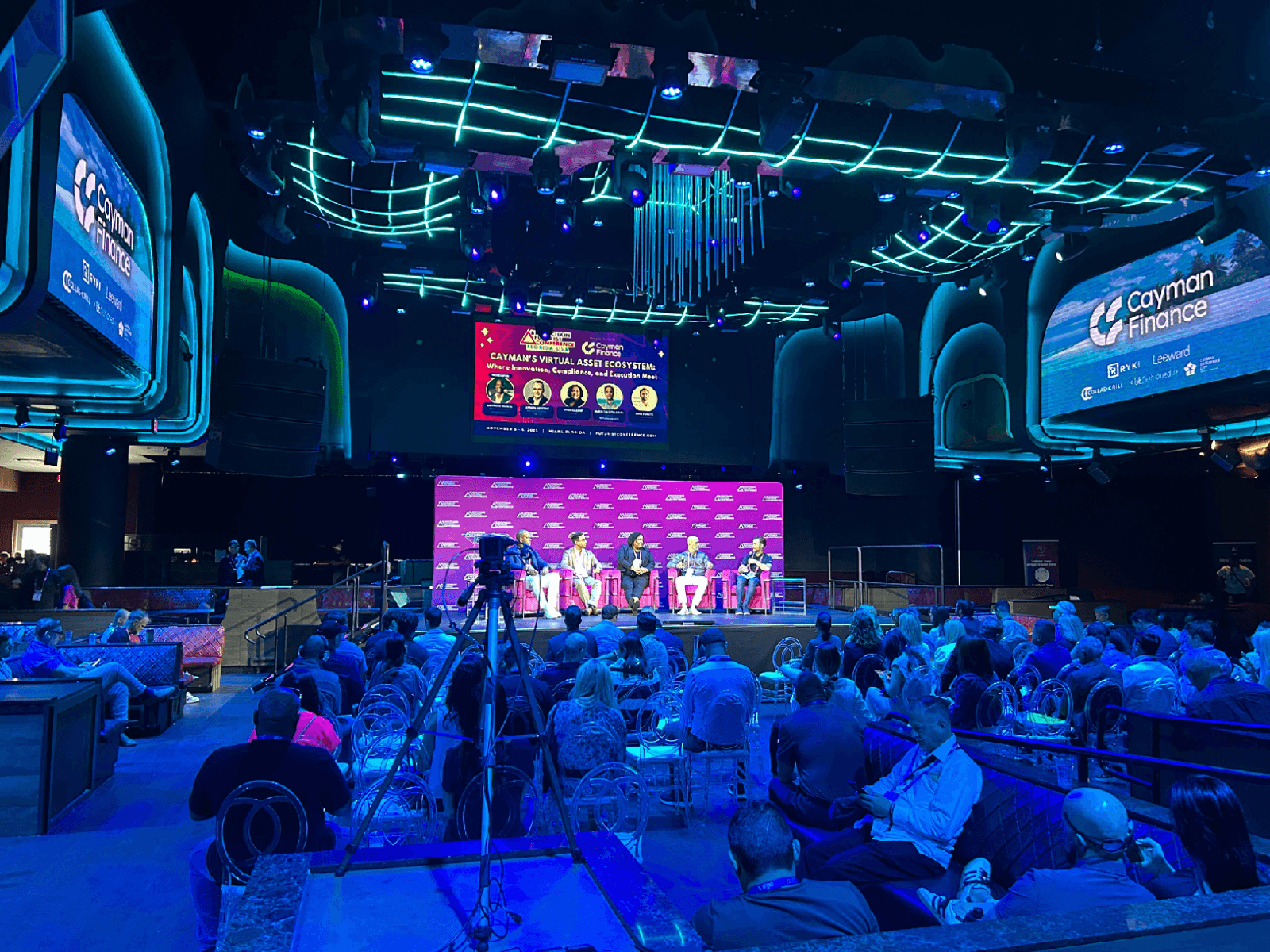
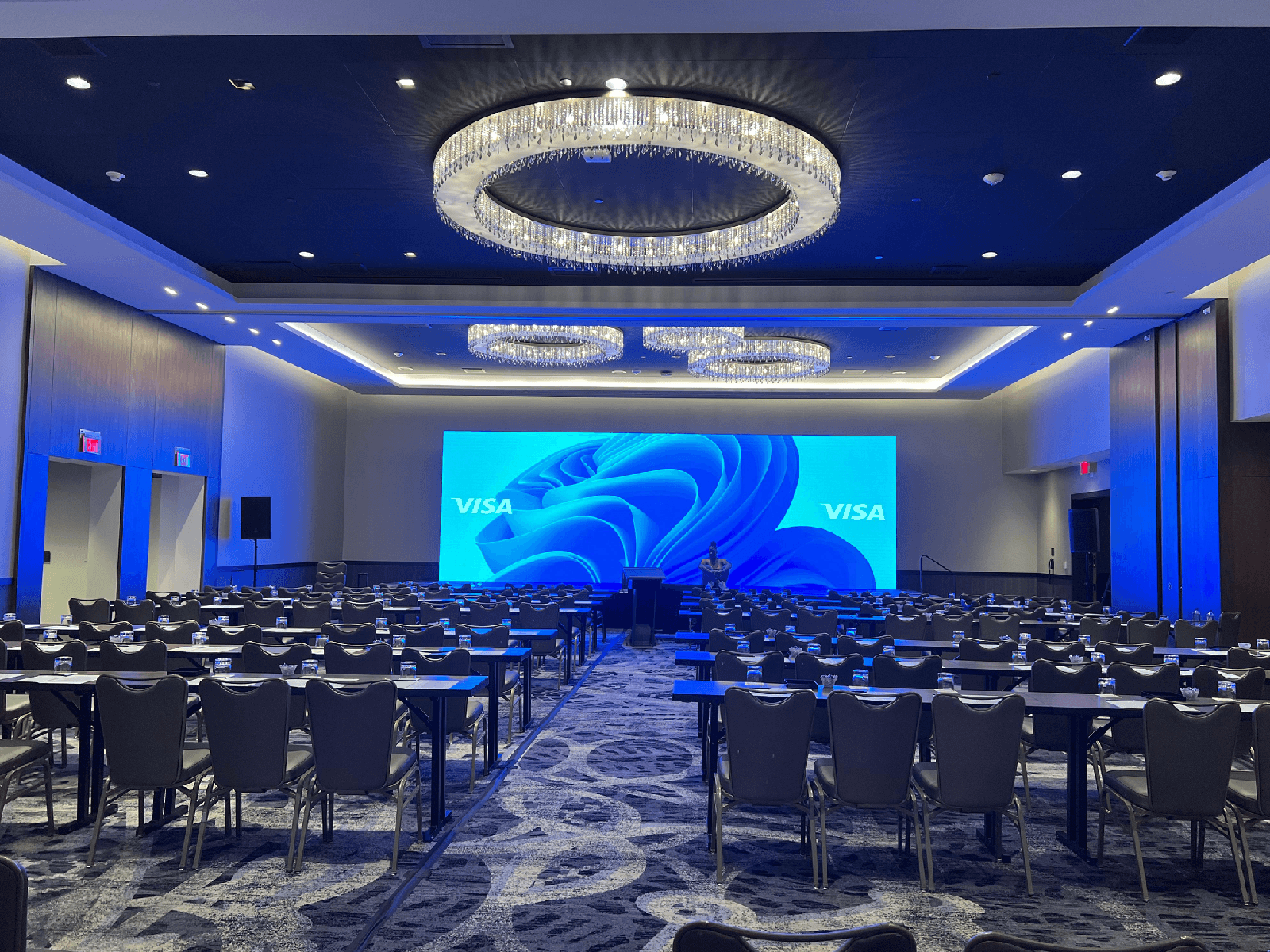
Named Miami project records show both monitoring paths. Visa Summit 2026 at Loews Coral Gables lists an In-Ear Monitor System alongside an X32 Rack, stage box, wireless microphones, and the rest of the production signal path. Eco-Conference Magic at Miccosukee Casino & Resort lists a Samson RSXM10A ten-inch wedge stage monitor with an X32 mixer and conference audio system. They demonstrate why the performer position, source feed, available mixer send, personal-versus-shared listening, sound-check window, and fallback plan matter. For a Fort Lauderdale event, provide the venue address, room or stage, loading route, access time, and performer schedule so the same monitor-specific checks can be completed before delivery.
- Assign each IEM user
Match each performer to the exact personal-monitor equipment and identify what is individual versus shared.
- Confirm console connections
Verify the source feed, outputs, connections, power or batteries, and listed compatibility before the event.
- Plan sound check and fallback
Set responsibility for fit, mix changes, cueing, and a practical floor-wedge fallback when needed.
- Real wedge and IEM project evidence
The public records document an IEM system at Loews Coral Gables and a dedicated Samson floor wedge at Miccosukee Casino & Resort.
Frequently Asked Questions
Practical guidance on floor wedges, personal monitoring, performer mixes, mixer sends, fulfillment, and setup.
What can I rent from this stage-monitor page?
The primary catalog is limited to monitor-specific options: a dedicated powered floor-wedge stage monitor and an in-ear monitor system. General PA speakers remain on the Speaker Rental page so audience coverage and performer monitoring are not mixed together.
What is the difference between a stage monitor and a main PA speaker?
A stage monitor is planned around what a performer needs to hear at a stage position. A main PA speaker is planned for audience coverage. Their placement, orientation, signal feed, mix, and purpose are different even when a powered cabinet can physically serve more than one role.
Should I rent floor wedges or an in-ear monitor system?
Choose after reviewing performer count, desired mixes, movement, stage space, personal fit, familiarity, available mixer sends, and responsibility for packs or earpieces. Neither path is automatically right for every performer or event.
How many monitor mixes do I need?
Start with one mix for each performer or group that needs different sources or levels. Performers who need the same balance may be able to share a mix, but that decision depends on stage positions, mixer outputs, and the event workflow.
Does a monitor rental include the mixer, microphones, cables, or technician?
Do not assume so. Confirm mixer sends, microphones, signal and power cables, adapters, stands, packs, earpieces, delivery, setup, sound check, and operation on the exact live product or written order.
Can Miami Sound Rental deliver and set up stage monitors?
Yes. For events in Miami, Fort Lauderdale, Palm Beach, and surrounding South Florida areas, select delivery and setup online when available or ask our audio team to plan stage placement, cable paths, sound-check timing, and collection.
Recent Events
Every month, we service more than 150 conferences and events, from small local meetings to large international ones.
Google reviews from Miami Sound Rental clients
Stored testimonials remain visible while live Google review data is temporarily unavailable.
It’s a pleasure to work with Mario and his team, they are quick, efficient, and professional. Have done a few events already and looking forward to many more
We used Miami Sound Rental for a conference we were sponsoring. They were the perfect choice for the role. Easy to work with and arrived on time. Quick and efficient. We had to change a few things the week before the event and they were able to accommodate our changes with no issue.
Delivered on time and showed us exactly how to use the equipment and picked it up the next morning! Was perfect for my birthday party and would definitely use them again!
Ready to choose your stage monitors?
Compare stage-monitor options online, or ask for help matching wedges or in-ear monitoring to the performers and stage.
- Stage-monitor and in-ear-monitor focus
- South Florida event service context
- Verified Google feedback