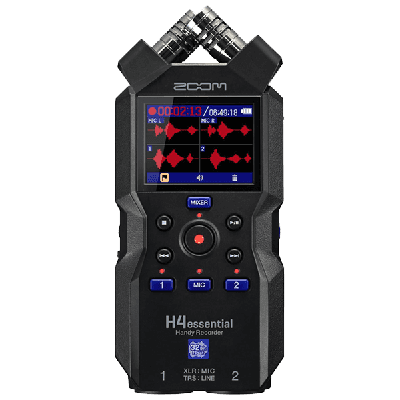
The H4 is capable of recording the loudest and heaviest performances, up to 140 dB SPL without distortion. Take a line-level stereo feed from the mixing console and capture room ambiance with...

Portable Audio & Field Recorder Rental
Rent the Zoom H4 Essential as a portable audio recorder for field recording, mixer feeds, room sound, interviews, presentations, and approved live-event sources. Before reserving it, confirm every input, microphone or mixer connection, placement, monitoring, media, power, cable, file-handoff responsibility, date, and fulfillment detail from the exact live listing.
- 1. List the sourcesIdentify mixer feeds, room sound, placement, cues, and what the final file must contain.
- 2. Verify the recorderUse the current H4 Essential listing for connections, media, power, and included items.
- 3. Assign the workflowConfirm monitoring, testing, start and stop, file naming, backup, transfer, and ownership.
- 4. Confirm fulfillmentCheck live availability, dates, pickup, accessories, handoff, return, and separate video needs.
Portable Audio Recorder Rental
- Delivery & setup available across South Florida
- 15–30% multi-day savings applied at checkout
- AV team support before and during your rental
Showing 1–1 of 1 portable audio recorder rental options
Rentals from $30.00 / 24 hoursExplore other AV categories
Build beyond sound with equipment and production services coordinated by the same local team.

Map every source around the current H4 Essential
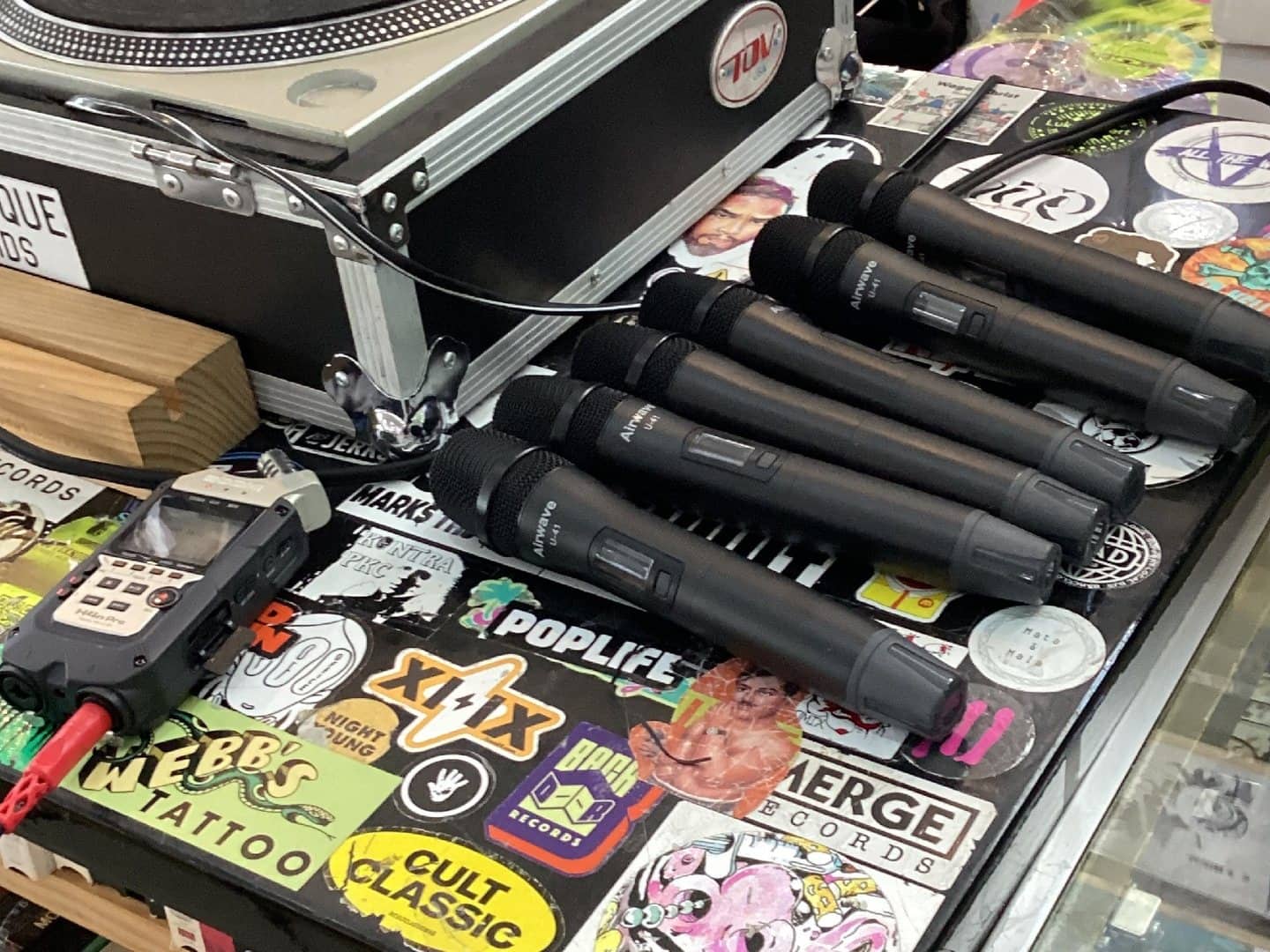
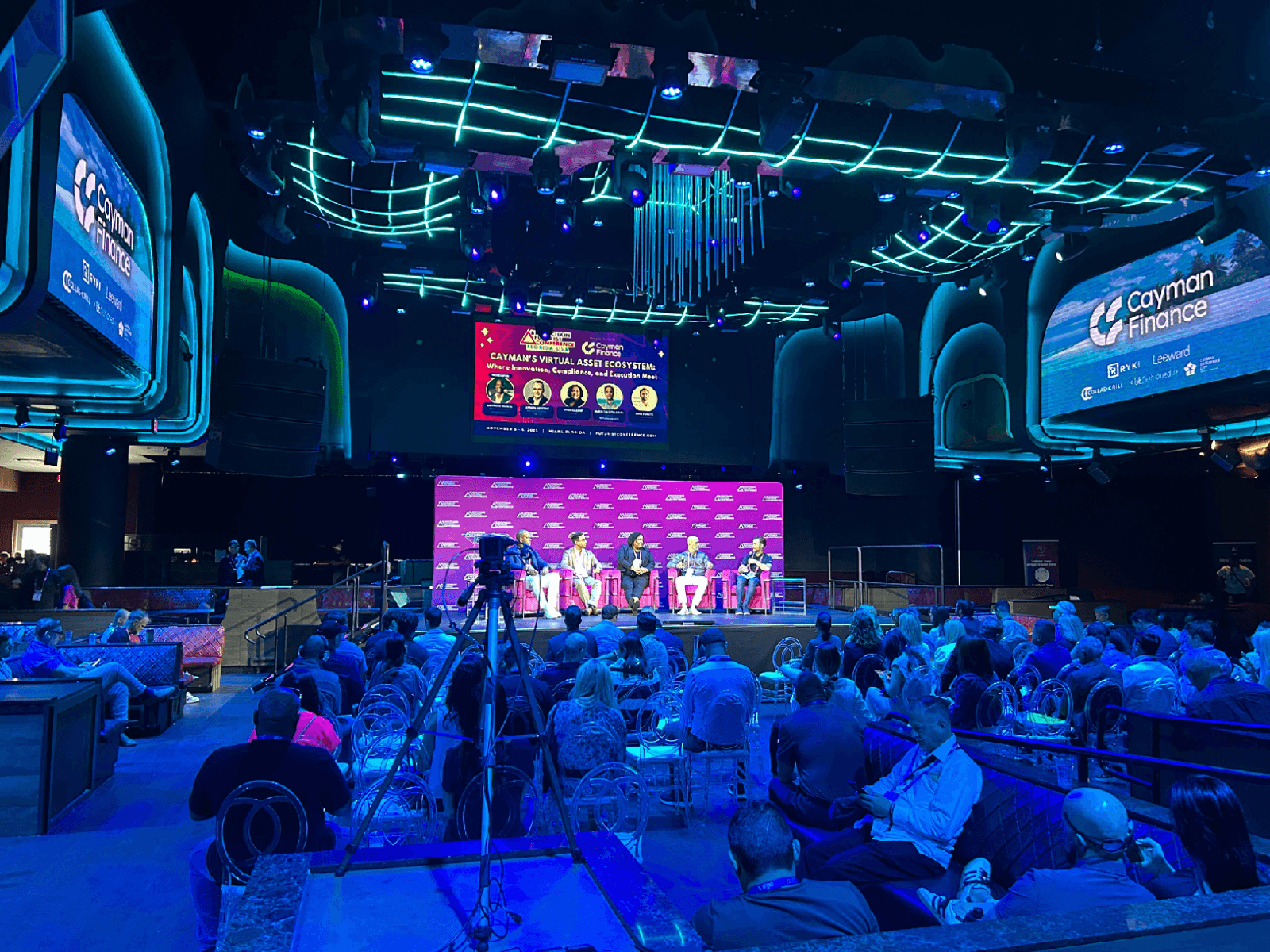
The selected field photograph is tagged to the recorder product, but the device shown has an older form than the current Zoom H4 Essential portrait in the hero. It also sits beside several wireless microphones on a production case. The image helps expose source and placement questions; it does not identify the current rental unit or show that any microphone, receiver, case, cable, media, battery, headphones, mixer, or adapter is included.
List the sources that must be captured and where the recorder can be placed. If the plan involves a mixer feed, document the approved output, connection level and format, connector path, cable run, monitoring, and who controls changes. If room or microphone pickup matters, describe the sound source, recorder position, nearby noise, handling and movement, and the desired balance. Confirm supported connections and simultaneous use only from the current product documentation and written order.
- List every source
Identify mixer feeds, room sound, speech, music, or other approved inputs without assuming they can all be captured together.
- Define placement and monitoring
Choose the recorder location, nearby sound and movement, monitoring point, and responsible operator for the event.
- Verify the exact connection
Confirm output, level, connector, cable, adapter, supported input path, and included items for the current H4 Essential.

Plan the recording file from sound check to handoff
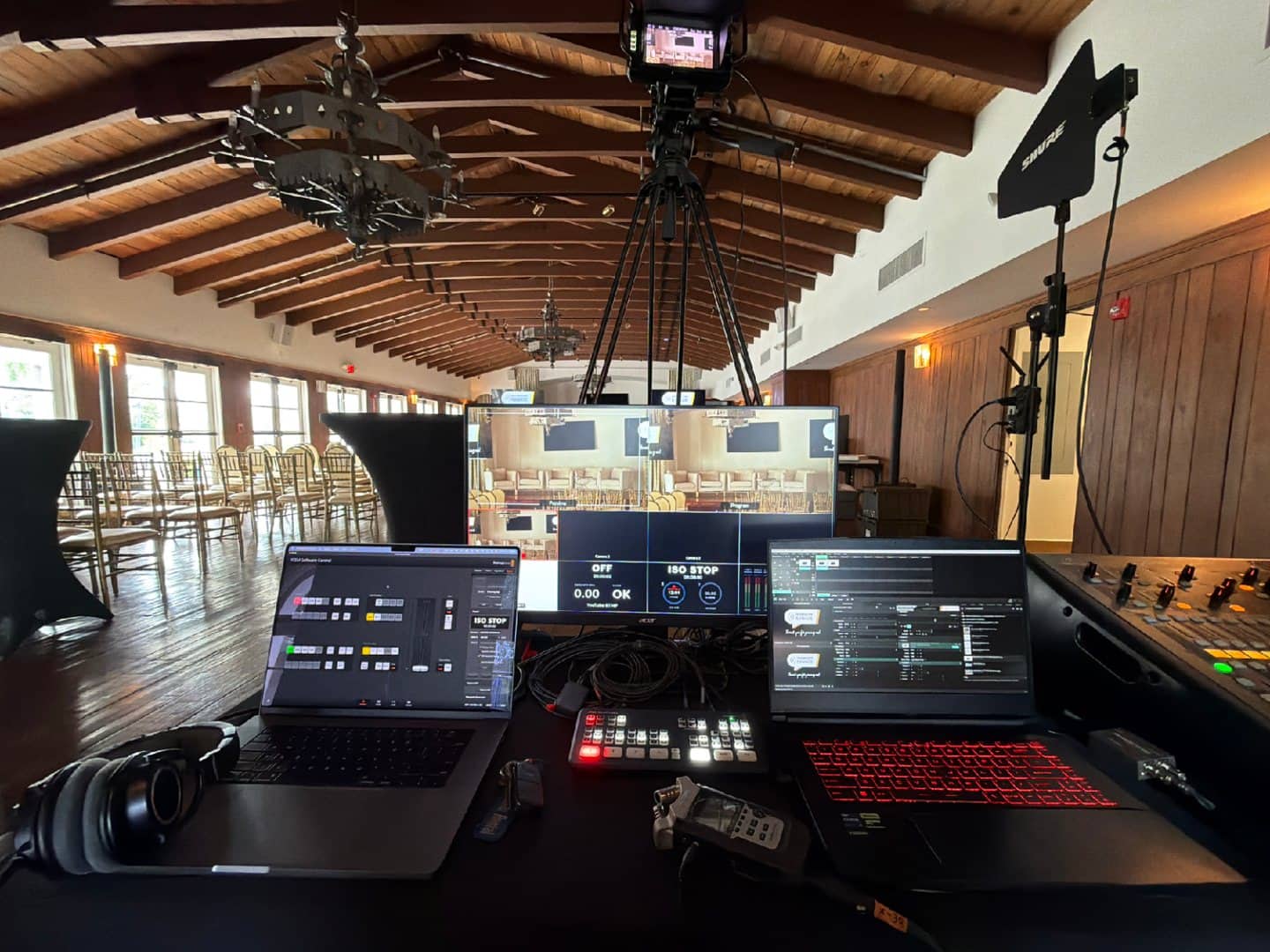
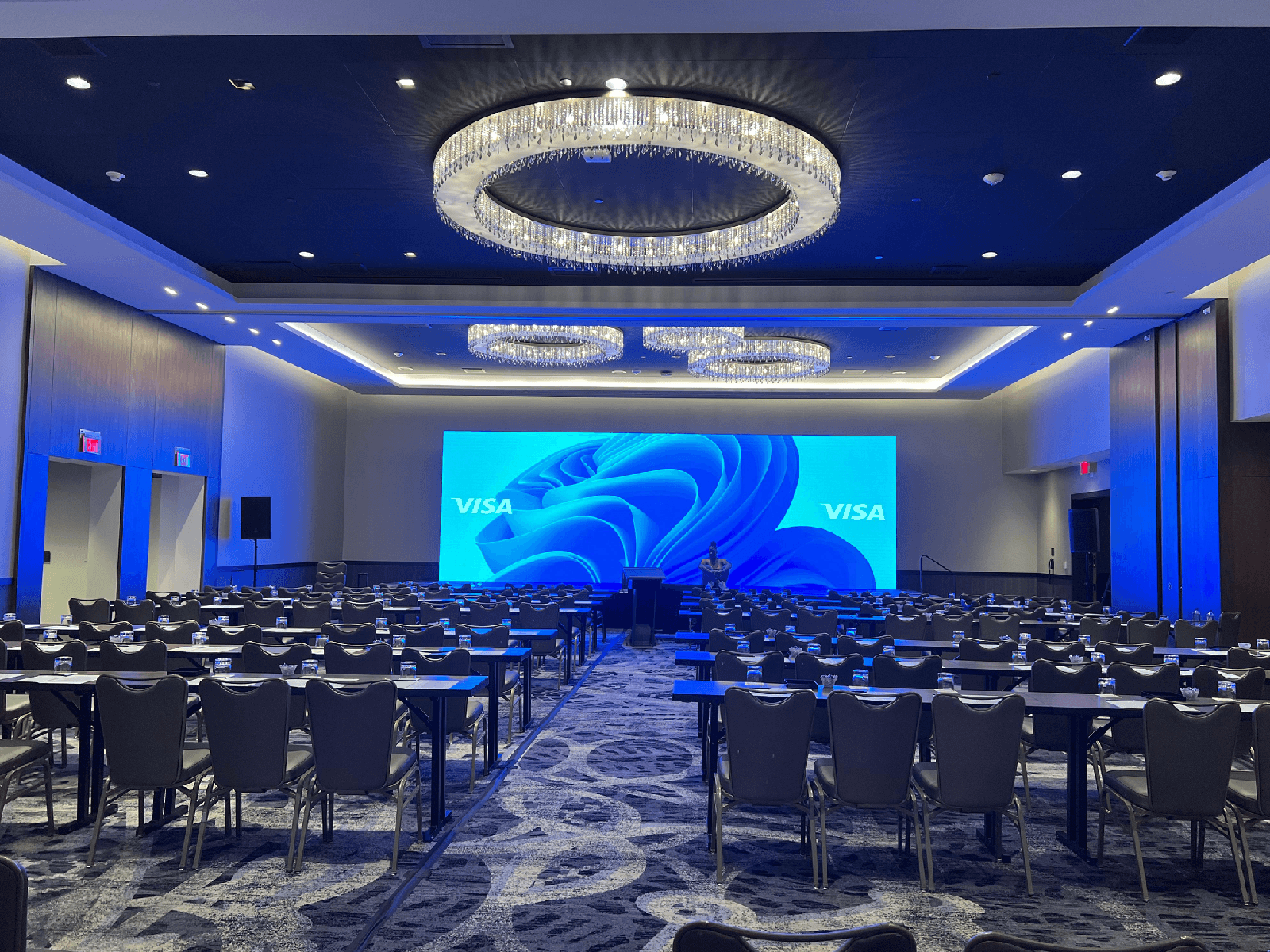
The second photograph is linked to the separate active Video Recording Bundle and visibly shows a handheld audio recorder between two laptops at a production control station. That recorder is documented workflow context only. The image does not prove that the current H4 Essential—or any laptop, camera, switcher, mixer, headphones, cable, operator, media, synchronization service, or final file—is included with either rental.
Before the event, assign responsibility for setup, gain and monitoring checks, available media and power, start and stop cues, file naming, backups, transfer, ownership, and the delivery method. If audio must support a video workflow, identify the reference or synchronization plan and who will combine the files afterward. Run a representative source test and confirm the final scope rather than treating a workstation photo as a managed recording service.
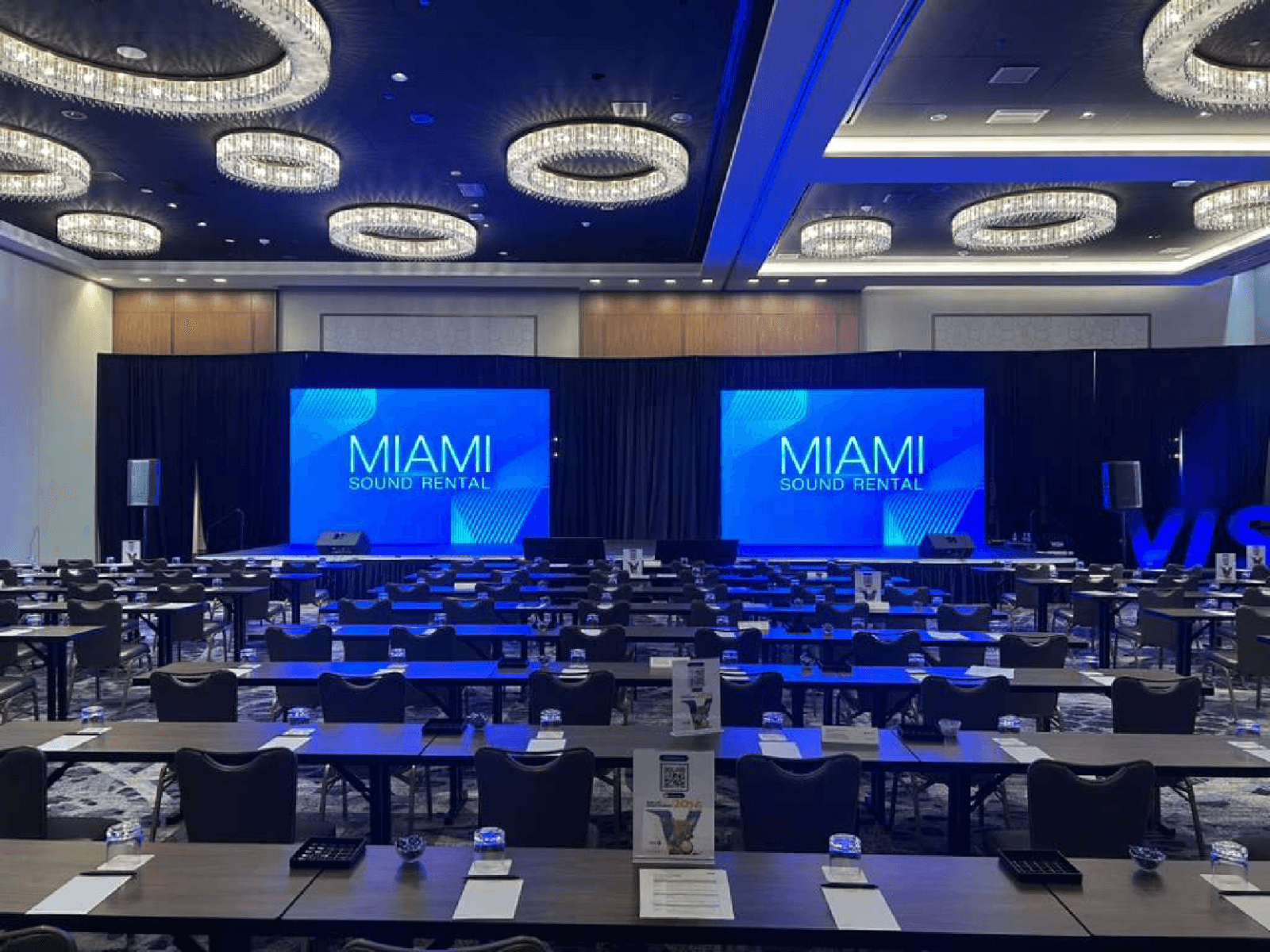
The public records provide two page-specific local references for the current recorder. Sophistication Meets Tech at Loews Miami Beach lists the Zoom H4 Essential with a 32 GB SD card inside a conference audio scope. Empowering Black Travel Summit at Hyatt Centric Las Olas Fort Lauderdale lists the same H4 Essential within a multi-day production that also used a Blackmagic video recorder and live-streaming equipment. That contrast supports the decisions above: identify the audio sources, monitoring and media owner, start-and-stop responsibility, backup and file handoff, and any separate video synchronization workflow before the event.
- Assign the recording controls
Name who prepares media and power, runs checks, monitors, starts and stops, and responds to source changes.
- Write the file handoff
Confirm naming, expected takes, backup responsibility, transfer method, ownership, delivery timing, and who verifies the files.
- Separate the video workflow
Document reference or synchronization needs and post-event responsibility without assuming the Video Recording Bundle includes audio recording.
- Miami Beach and Fort Lauderdale recorder evidence
Both public project records list the Zoom H4 Essential, while the Fort Lauderdale scope separately identifies video-recording and streaming equipment.
Frequently Asked Questions
Practical guidance on the one current recorder, the older field image, separate source equipment, media and power, pickup and outdoor limits, and the Video Recording Bundle fallback.
Which portable audio recorder is currently available to rent?
The only active assigned product is the Zoom H4 Essential handheld audio recorder. Use its live card as the source of truth for current status, price, pickup, media, power, connections, and included items.
Is the recorder shown beside the wireless microphones the current H4 Essential?
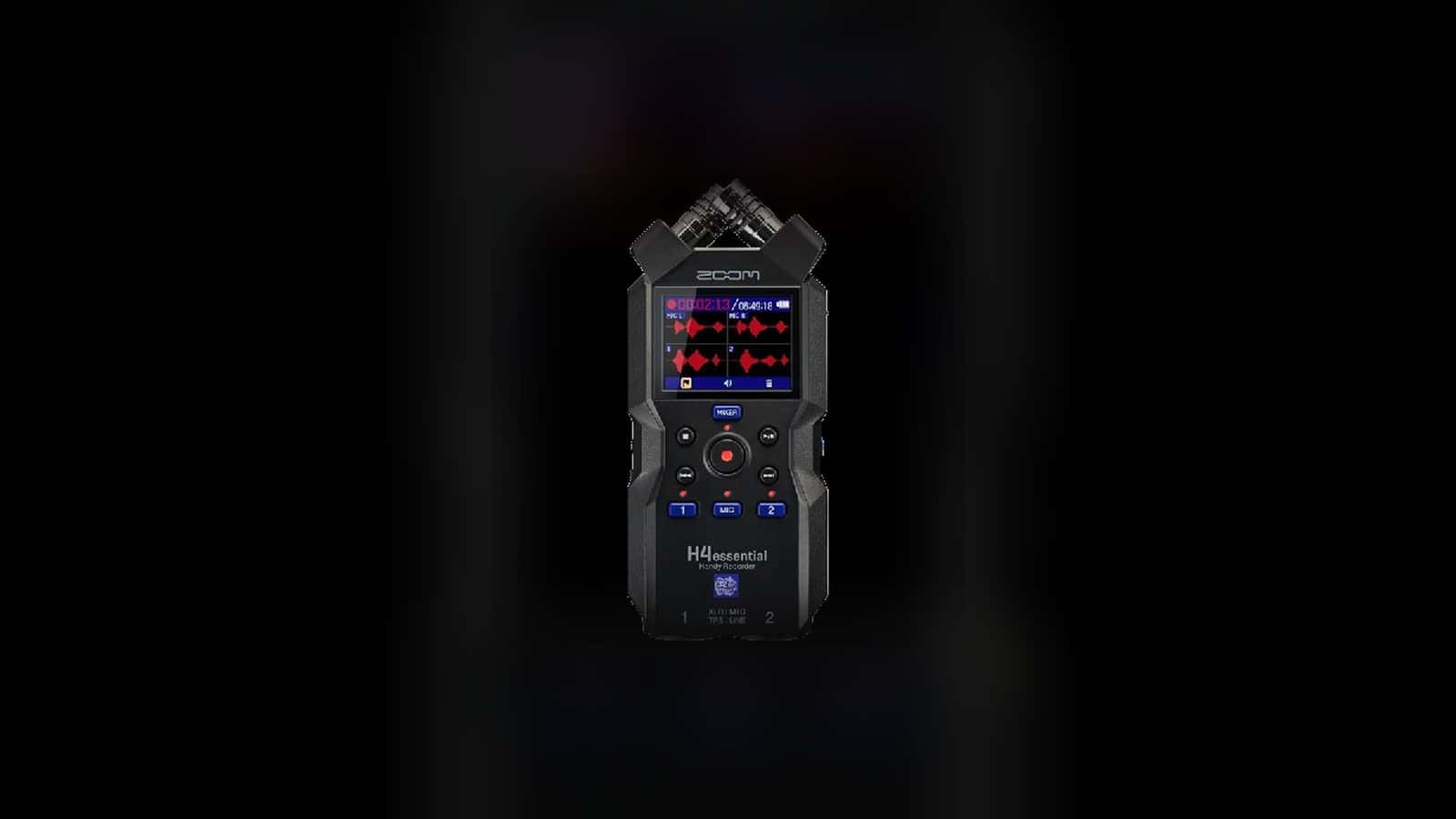
No. That exact-product-tagged field photo visibly shows an older recorder form. It is retained only to discuss source and placement planning; the isolated hero image shows the current H4 Essential.
Are the wireless microphones, mixer, cables, adapters, or headphones included?
Do not infer that from either application image. Confirm every microphone, mixer, cable, adapter, headphone, case, stand, and monitoring item on the current live recorder card or written order.
Are storage media and batteries included with the recorder?
Do not assume so. Confirm supported media, available capacity, formatting and file-transfer responsibility, battery or power requirements, spares, and every included item for the exact current product before the event.
Can I pick up the recorder or use it outdoors?
The current H4 Essential record is marked for pickup and is not marked outdoor-rated. Pickup is not a live availability guarantee, and any site plan must protect the recorder, connections, media, power, and operator from the actual conditions.
Does the Video Recording Bundle include this audio recorder or synchronized audio files?
The selected workstation image is linked to the separate active Video Recording Bundle and visibly contains a recorder, but it is not proof of bundle contents. Confirm the bundle, recorder, cameras, laptops, switcher, files, synchronization, operator, and post-production responsibilities separately in writing.
Recent Events
Every month, we service more than 150 conferences and events, from small local meetings to large international ones.
Google reviews from Miami Sound Rental clients
Stored testimonials remain visible while live Google review data is temporarily unavailable.
It’s a pleasure to work with Mario and his team, they are quick, efficient, and professional. Have done a few events already and looking forward to many more
We used Miami Sound Rental for a conference we were sponsoring. They were the perfect choice for the role. Easy to work with and arrived on time. Quick and efficient. We had to change a few things the week before the event and they were able to accommodate our changes with no issue.
Delivered on time and showed us exactly how to use the equipment and picked it up the next morning! Was perfect for my birthday party and would definitely use them again!
Ready to choose an event recorder?
Review the current recorder option, or ask for help matching portable or field recording to the event workflow.
- Portable and field-recorder terminology
- South Florida event service context
- Verified Google feedback