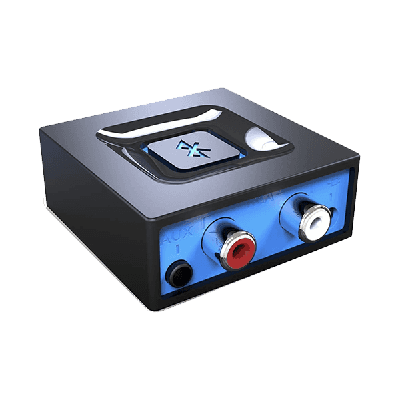
Bluetooth to RCA Audio Adapter for Music Streaming Sound Systems, Wireless Audio Adapters Work with Smartphones and Tablets to wirelessly connect to Speakers with RCA Inputs and play your favorite music right...

Adapters for AV Equipment
Find the adapter that matches the source connection, destination connection, and signal path already planned for the setup. The catalog includes video, computer, audio, DMX, Bluetooth, network, and mounting options; each item must be checked individually for direction and compatibility.
- 1. Identify the sourceName the device, output, and signal direction.
- 2. Identify the destinationConfirm the receiving device and input.
- 3. Choose the adapterSelect the exact matching live product and dates.
- 4. Confirm the full pathCheck cables, power, and fulfillment separately.
Adapter Catalog
- Delivery & setup available across South Florida
- 15–30% multi-day savings applied at checkout
- AV team support before and during your rental
Showing 1–10 of 22 adapter catalog options
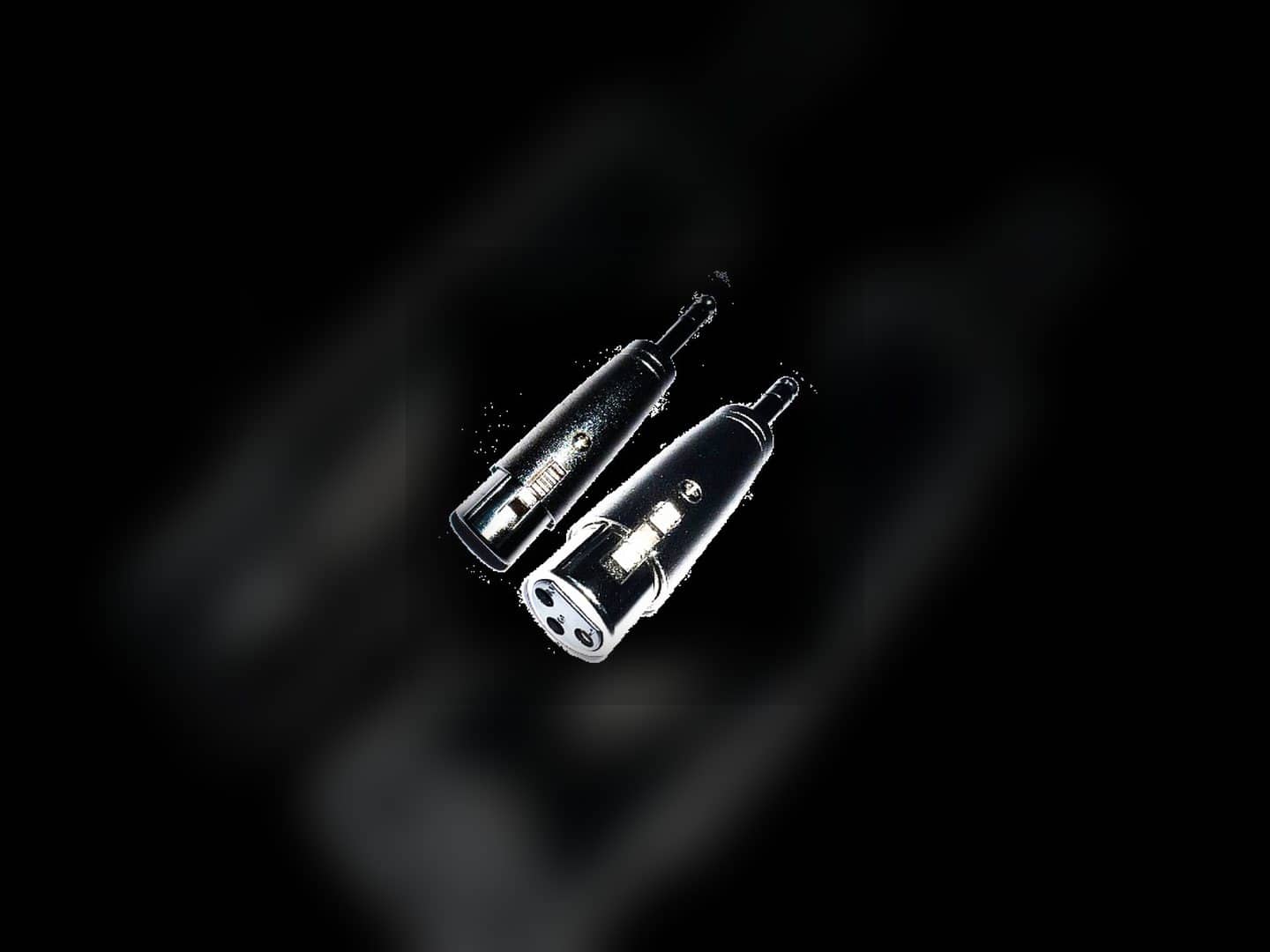
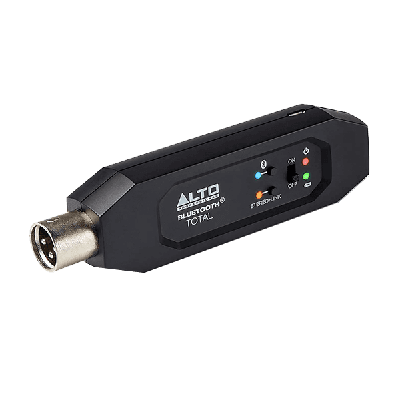
Rentals from $2.00 / 24 hoursBluetooth Audio Adapter for Music Streaming Sound Systems, Alto Professional Wireless Audio Adapter Works with Speakers with XLR adapters and then connects to smartphones and tablets for direct control of your music...
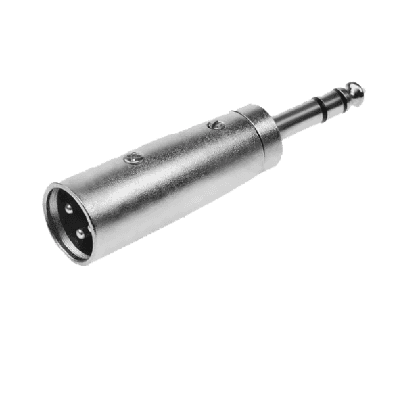
Ideal for sound production, the XLR MALE to 1/4" Adapter ensures compatibility between different audio devices. Compact and durable, it guarantees optimal audio connection and delivery.
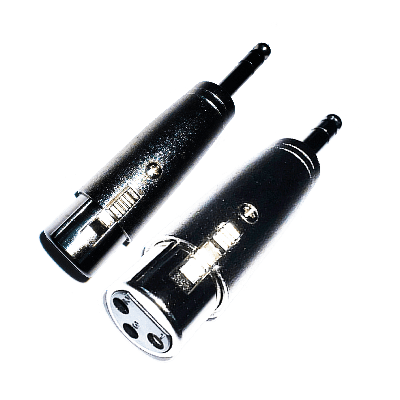
Effortlessly connect advanced gear with our XLR FEMALE to 1/4" Adapter. Compact and relaibly built for flawless audio transmissions.
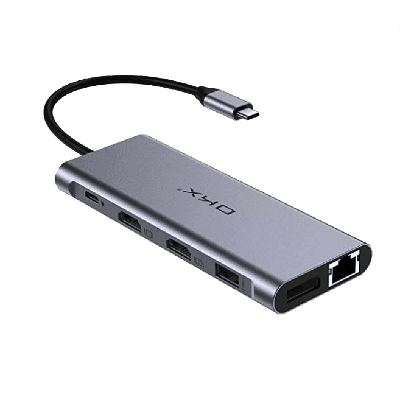
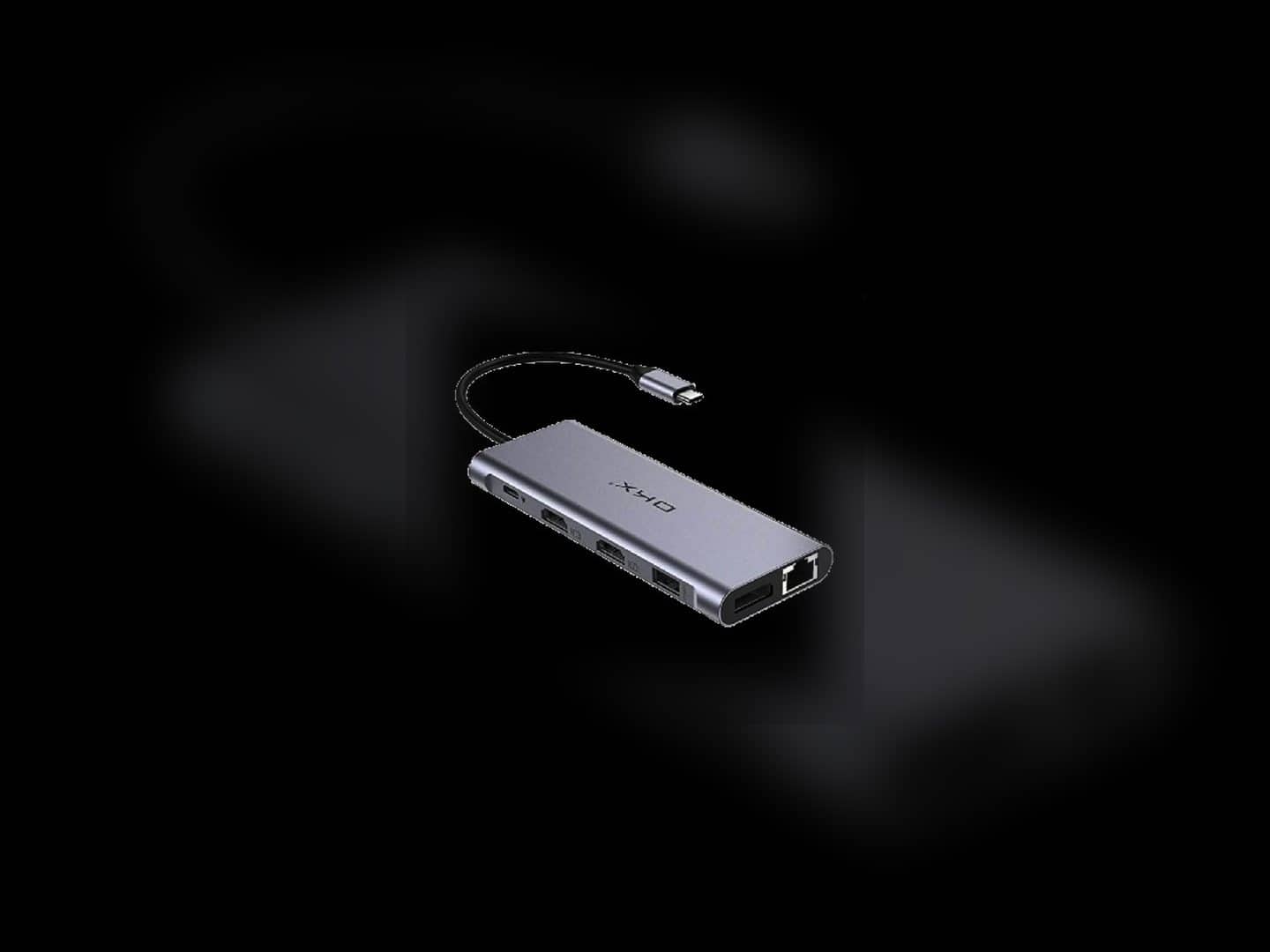
Our USB-C Docking Station is a docking hub for all of your adapter needs. The Docking Station has HDMI video output, wired Gigabit Ethernet, 3.5mm headphone and , two USB 3.0 ports,...
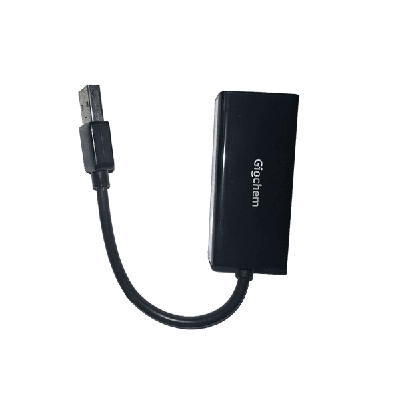
Easily connect to wired networks with our Giochem USB to Ethernet adapter. Compact and efficient, great for events and presentations.
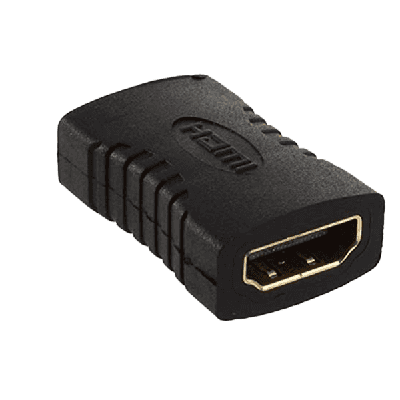
Seamless connections for every production setup, the HDMI Extension links your HDMI-enabled devices smoothly by coupling multiple HDMI cables together. Perfect when you need to extend an HDMI signal to reach a...
The 3 to 5 pin DMX Converter is a critical connector for effective stage lighting. It allows seamless transitions between different DMX devices.
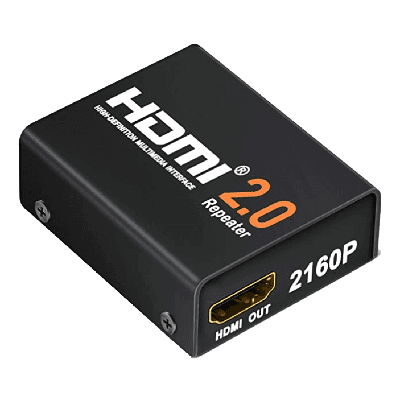
Extend your HDMI signal for longer run using our HDMI Boosted Repeater. Compact and easy-to-use, perfect for any event setup.
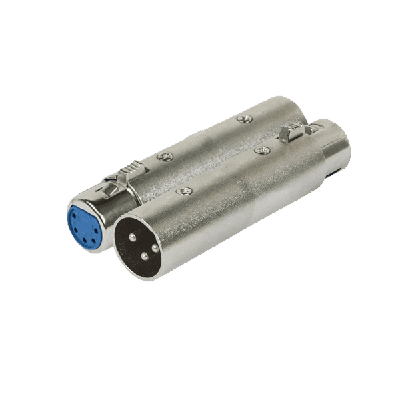
XLR Male to Female Adapter
Browse all 22 products in Adapter Catalog
Direct links to every product in this catalog.
- Bluetooth to RCA adapter
- Bluetooth to XLR adapter
- XLR MALE to 1/4" Audio Adapter
- XLR FEMALE to 1/4" Audio Adapter
- USB-C Docking Adapter
- USB to Ethernet Adapter
- HDMI Extension Adapter
- 3M pin to 5F pin DMX Converter
- HDMI Signal Repeater
- XLR Male to Female Adapter
- DAS Event 210a Stacking Bracket
- DAS Tripod Adapter
- 5M pin to 3F pin DMX Converter
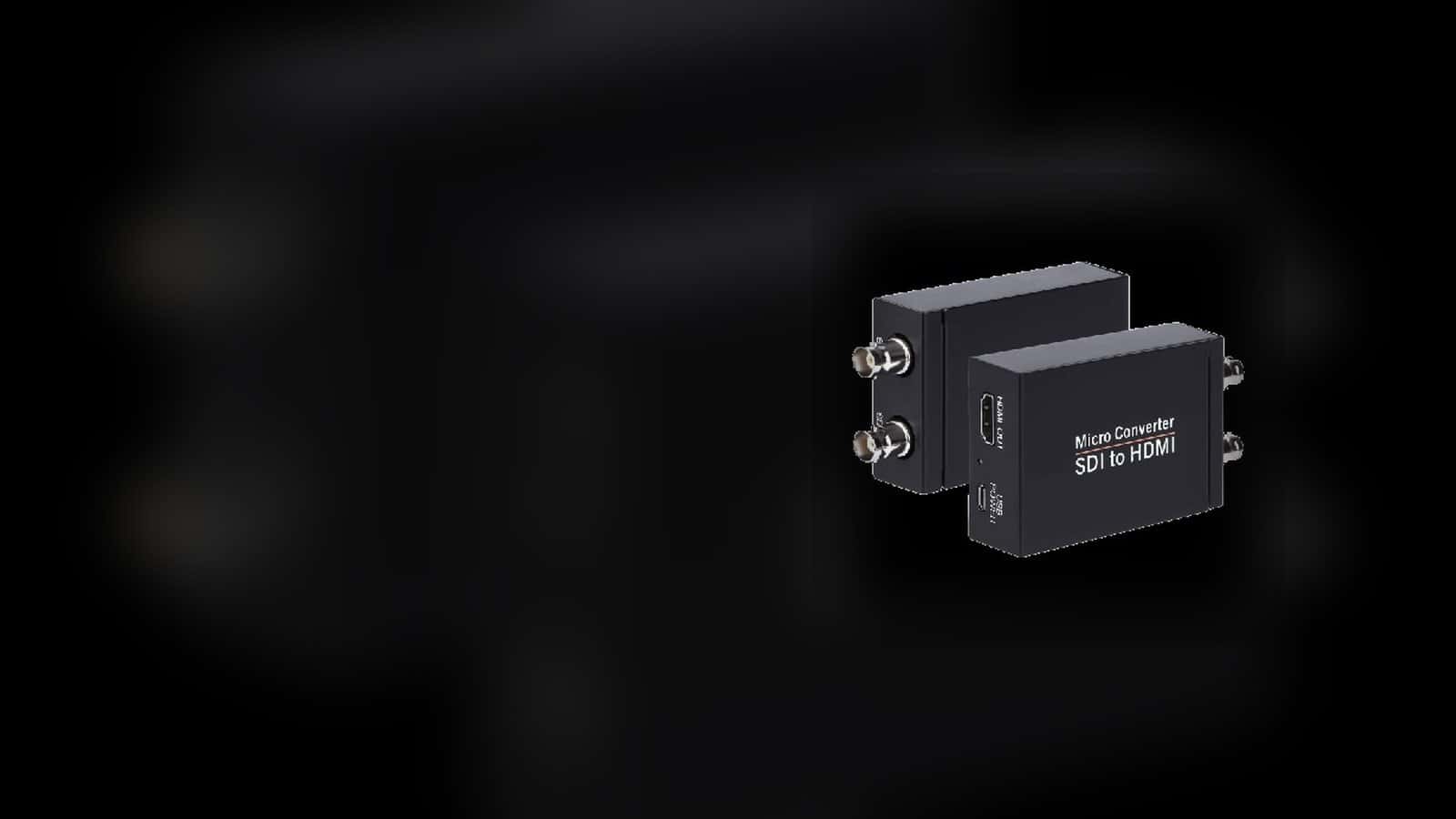
- HDMI to SDI Adapter
- SDI to HDMI Adapter
- XLR Hum Eliminator
- USB to HDMI Adapter
- XLR Female to Female Adapter
- USB 3.0 Hub
- Lightning to HDMI Adapter
- Apple Lightning to 3.5mm Adapter
- USB C to HDMI Adapter
Explore other AV categories
Build beyond sound with equipment and production services coordinated by the same local team.

Map the source and destination before choosing the adapter
The current inventory covers several different needs, including SDI and HDMI conversion, USB-C docking, Lightning connections, USB and Ethernet, Bluetooth audio, XLR and quarter-inch audio, and three-pin or five-pin DMX. These are separate workflows, not interchangeable variations of one universal adapter.
Write down the source device and its output, then the destination device and its input. For a multi-port dock, identify which ports are actually needed. For a directional converter, confirm the direction named on the listing rather than assuming it works in reverse.
- Name the source port
Record the physical output and the device sending the signal.
- Name the destination port
Identify the receiving input instead of selecting from appearance alone.
- Confirm direction and function
Check whether the live listing is a passive connector adapter, a hub, or a directional signal converter.

Separate connector fit from the rest of the signal path
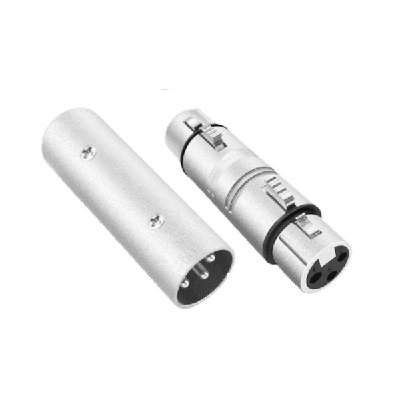
The audio image shows the two connector types on a specific XLR-female-to-quarter-inch adapter. That detail is useful for confirming the physical ends, but it does not establish cable length, signal compatibility, device level, or every item needed between the source and destination.
Review the adapter alongside the cables and equipment on both sides. If the route involves a camera, projector, mixer, lighting controller, or another production device, confirm its connection requirements independently and add any separate cables from the appropriate catalog.
- Inspect connector type
Check connector family, gender, and physical orientation on both devices and the selected adapter.
- Keep conversion distinct
A physical connector match does not by itself prove that two devices use compatible signals.
- Add cables separately
Confirm the cable type and route on each side instead of treating the adapter image as a complete connection package.
Frequently Asked Questions
Practical guidance about connector matching, direction, compatibility boundaries, cables, and pickup.
What kinds of AV adapters are listed on this page?
The current catalog includes video, computer, audio, DMX, Bluetooth, USB, network, and mounting adapters. Review the individual product cards because each item serves a different connection.
How do I choose the correct adapter?
Identify the source device and output, the destination device and input, and the required signal direction. Match those facts to the exact live listing rather than selecting by connector appearance alone.
Does an adapter automatically make two devices compatible?
No. A physical connector match does not always mean that the devices use compatible signal formats, direction, levels, or protocols. Confirm the full source-to-destination path before reserving.
Are SDI-to-HDMI and HDMI-to-SDI adapters the same?
No. The catalog lists them as separate directional products. Choose the one whose named direction matches the source output and destination input.
Are the cables shown or needed with an adapter included?
Do not assume so. Some product records may list specific included components or optional related items, but cable type and quantity must be confirmed from the live product and order details.
Can I pick up an AV adapter?
Many current adapter records are marked for pickup, while some are not. Use the live product card and rental flow to confirm the fulfillment option for the exact item and dates.
Recent Events
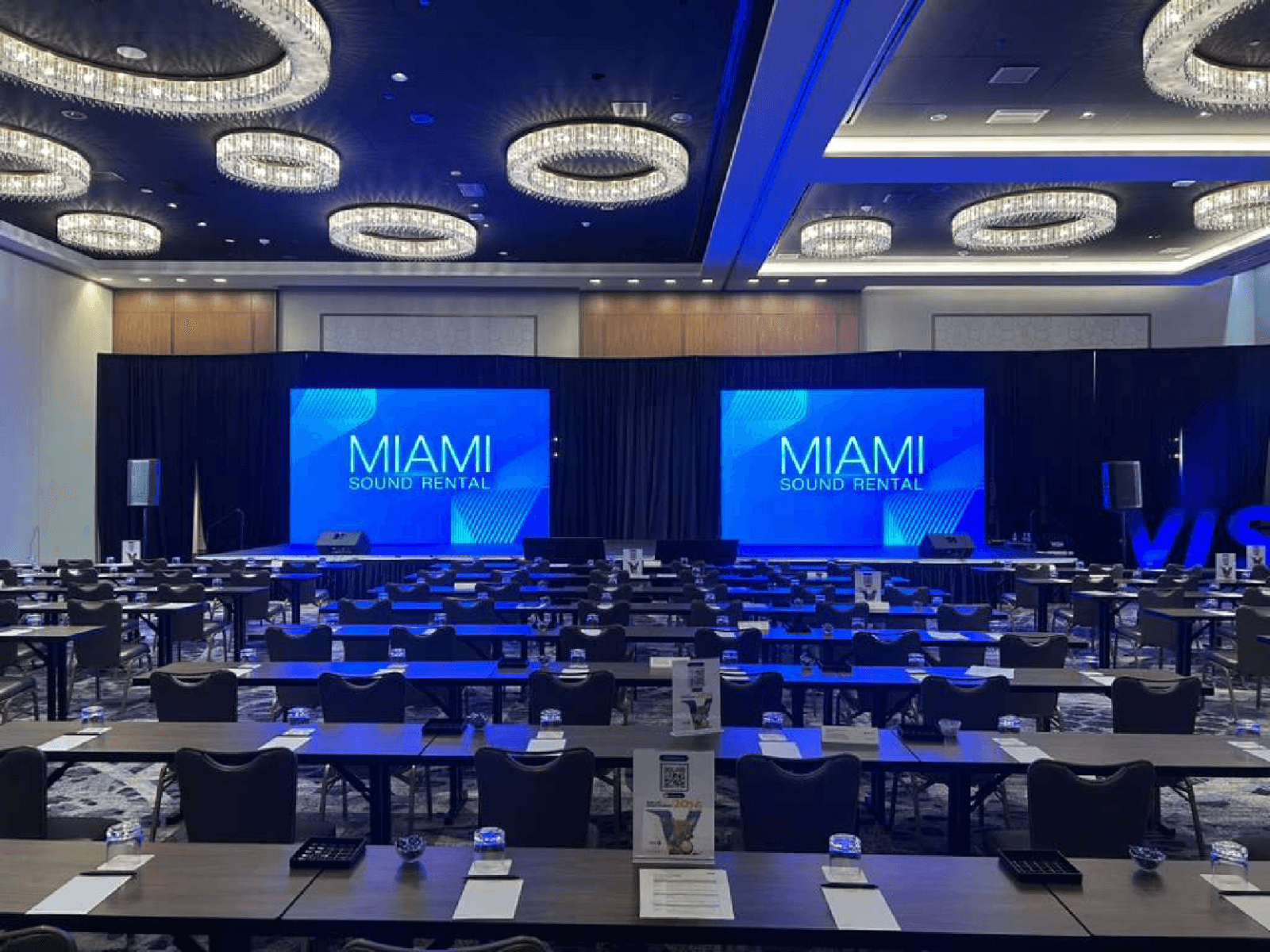
Every month, we service more than 150 conferences and events, from small local meetings to large international ones.
Google reviews from Miami Sound Rental clients
Stored testimonials remain visible while live Google review data is temporarily unavailable.
It’s a pleasure to work with Mario and his team, they are quick, efficient, and professional. Have done a few events already and looking forward to many more
We used Miami Sound Rental for a conference we were sponsoring. They were the perfect choice for the role. Easy to work with and arrived on time. Quick and efficient. We had to change a few things the week before the event and they were able to accommodate our changes with no issue.
Delivered on time and showed us exactly how to use the equipment and picked it up the next morning! Was perfect for my birthday party and would definitely use them again!