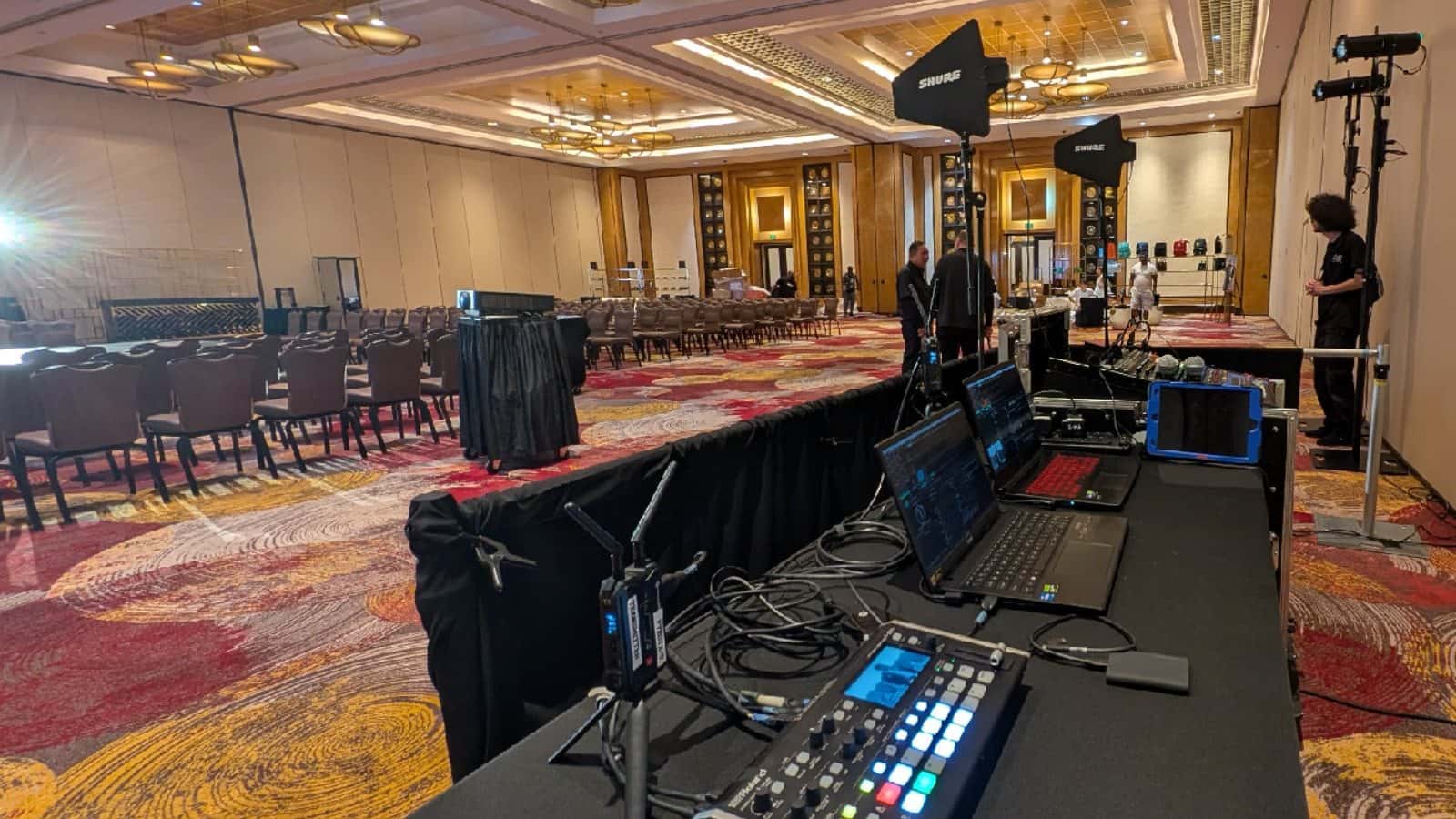
Video switching and laptop control position prepared in a conference ballroom
Presentation and signal-path rentals

Media Equipment Rental

Build the path from a presentation or playback source to its intended destination. Compare switching, splitting, playback, conversion, recording, clicker, cable, wireless HDMI, and flip-chart listings, then verify the connector, signal format, endpoint count, and companion equipment for the actual program.

Browse Media Gear
  1. 1. List every endpointRecord sources, destinations, connectors, and the role of each device.
  2. 2. Choose the routingSeparate source switching, signal splitting, conversion, and recording needs.
  3. 3. Map the roomMeasure cable paths and plan wireless placement, power, and a testable alternative.
  4. 4. Confirm the orderVerify the exact listing, included pieces, quantity, dates, and fulfillment.
Browse rental equipment

Media Catalog

  • Delivery & setup available across South Florida
  • 15–30% multi-day savings applied at checkout
  • AV team support before and during your rental

Showing 110 of 24 media catalog options

Rentals from $8.00 / 24 hours
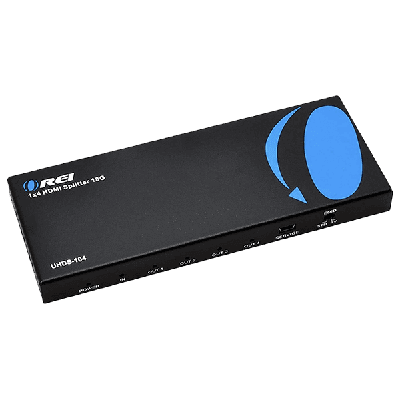
Multi-Display HDMI Splitter

The HDMI Splitter is a reliable solution for all your multi-display needs. This compact and durable device is ideal for trade shows, conference rooms, lecture halls, or even your living room, enabling...

Rental price · 24 hours$10.00
Delivery & setup from$120.00 per orderFinal price uses your dates, location and complete order
Pickup or delivery · live availability after datesChoose Dates & Rent Online
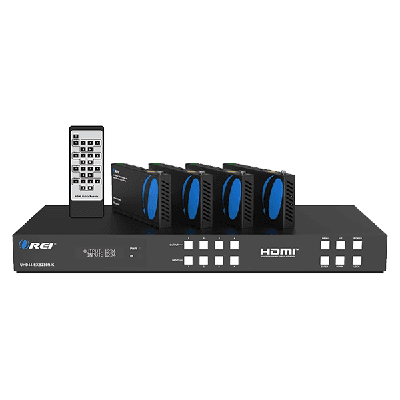
HDMI Extender Matrix // HDMI Extender Matrix Pro

Ideal for multi-display setups at trade shows or conferences. Supports seamless connections with robust build quality.

Rental price · 24 hours$199.00
Delivery & setup from$120.00 per orderFinal price uses your dates, location and complete order
Pickup or delivery · live availability after datesChoose Dates & Rent Online
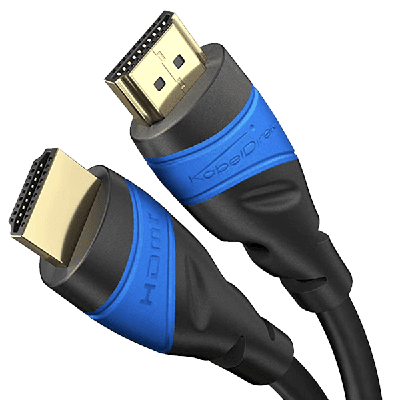
Long HDMI Cable

Ideal for providing reliable, high-quality video signal transfer for event productions, our Long HDMI Cable ensures flawless connectivity for your visuals. Made with robust material for prolonged use.

Rental price · 24 hours$18.00
Delivery & setup from$120.00 per orderFinal price uses your dates, location and complete order
Pickup or delivery · live availability after datesChoose Dates & Rent Online
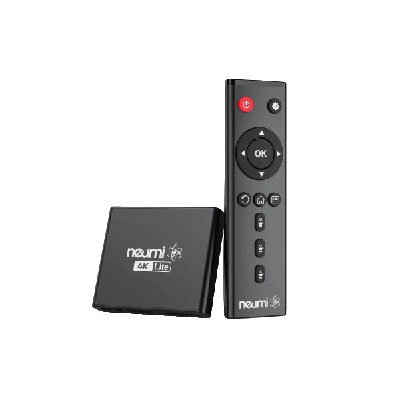
4k Media Player

Effortlessly enhance your event's visual impact with our 4K Media Player. Compact in size and perfect for presentation needs, this device supports a wide array of video and audio formats.

Rental price · 24 hours$15.00
Delivery & setup from$120.00 per orderFinal price uses your dates, location and complete order
Pickup or delivery · live availability after datesChoose Dates & Rent Online
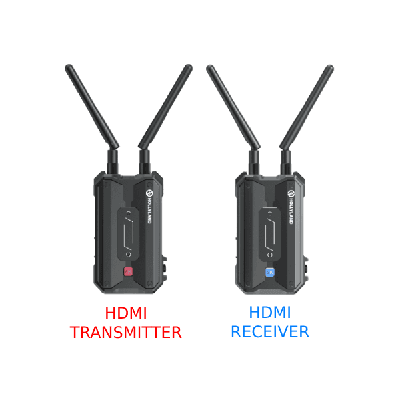
Wireless HDMI System Bundle

Stream media wirelessly with our easy-to-use Hollyland HDMI System. Compact design, reliable signal connectivity.

Rental price · 24 hours$80.00
Delivery & setup from$120.00 per orderFinal price uses your dates, location and complete order
Pickup or delivery · live availability after datesChoose Dates & Rent Online
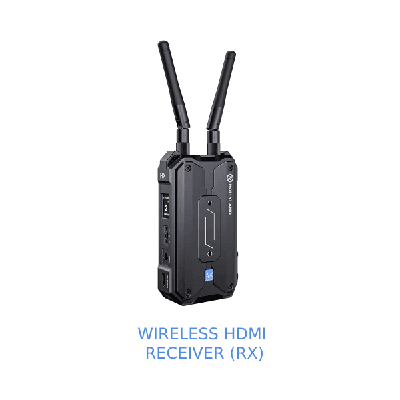
Wireless HDMI Receiver (RX)

The Pyro H Wi-Fi broadcast technology enables one transmitter to connect to four receivers with stable signals, offering more flexibility when additional monitoring needs emerge. When Broadcast mode is activated, the transmitter...

Rental price · 24 hours$40.00
Delivery & setup from$120.00 per orderFinal price uses your dates, location and complete order
Pickup or delivery · live availability after datesChoose Dates & Rent Online
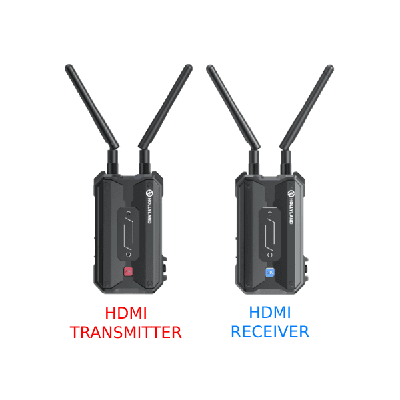
Wireless HDMI System Bundle Vrriis

Stream media wirelessly with our easy-to-use Hollyland HDMI System. Compact design, reliable signal connectivity.

Rental price · 24 hours$80.00
Delivery & setup from$120.00 per orderFinal price uses your dates, location and complete order
Pickup or delivery · live availability after datesChoose Dates & Rent Online
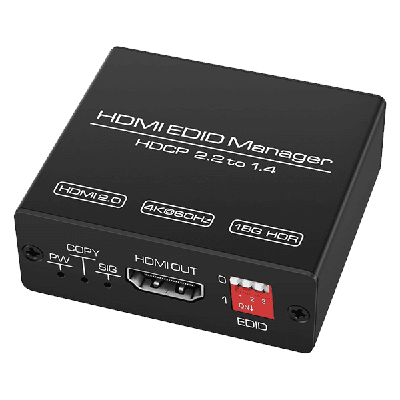
HDMI EDID Manager

HDMI EDID Manager ensures stable video output by managing display data, resolving compatibility issues, and optimizing resolution, refresh rate, and audio settings across connected devices.

Rental price · 24 hours$15.00
Delivery & setup from$120.00 per orderFinal price uses your dates, location and complete order
Pickup or delivery · live availability after datesChoose Dates & Rent Online
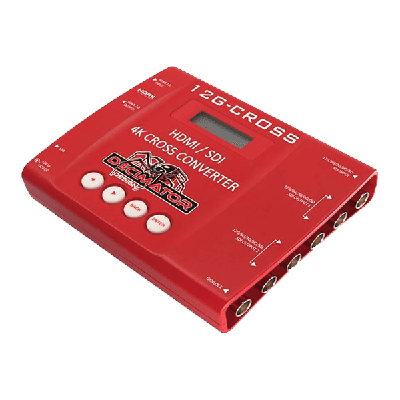
Decimator

Decimator

Rental price · 24 hours$69.00
Delivery & setup from$120.00 per orderFinal price uses your dates, location and complete order
Pickup or delivery · live availability after datesChoose Dates & Rent Online
Browse all 24 products in Media Catalog

Direct links to every product in this catalog.

Presentation bundle with HDMI switching, splitting, adapters, and presentation clicker
A switch selects a source; a splitter sends one source to more destinations

Draw the wired path before choosing a bundle

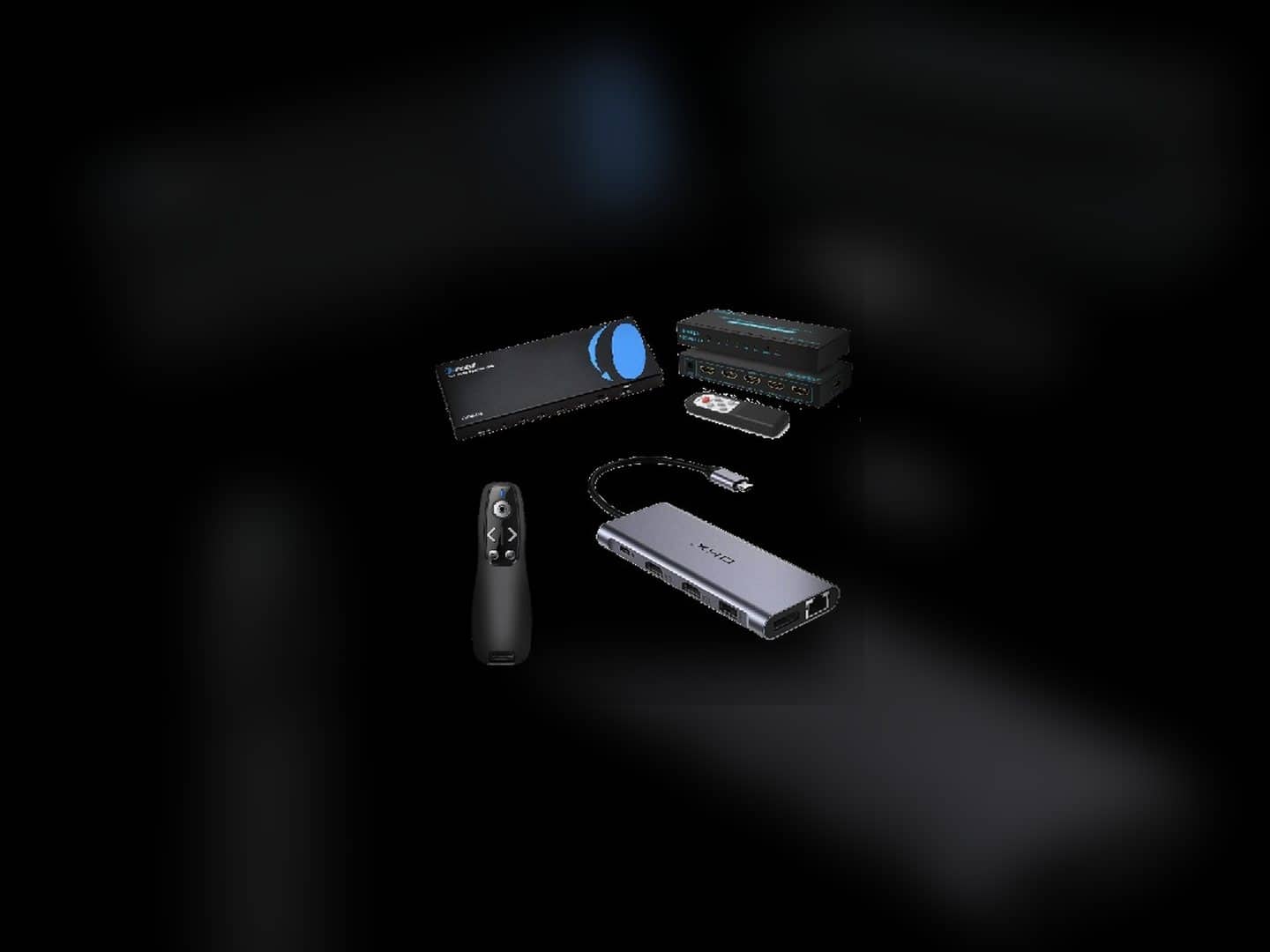
The current Presentation Bundle lists one HDMI switcher, one HDMI splitter, one presentation clicker, two long HDMI cables, and two USB-C adapters. That combination can address a common presentation path, but it does not prove compatibility with every laptop, playback device, display, resolution, adapter chain, or room layout.

Write down each source, each destination, and the connector at both ends. Decide when an operator must choose between sources and when the same source must reach multiple displays. Then compare the bundle with individual switch, splitter, cable, adapter, player, recorder, converter, and clicker listings so the order reflects the real path rather than the product photo alone.

  • Inventory the endpoints

    List every source and destination, including the connector and role of each device.

  • Separate switching from splitting

    Use source selection and signal distribution as different requirements when reviewing listings.

  • Verify the bundle contents

    Check the live Presentation Bundle before ordering because laptops, displays, cameras, and audio are not named as included.

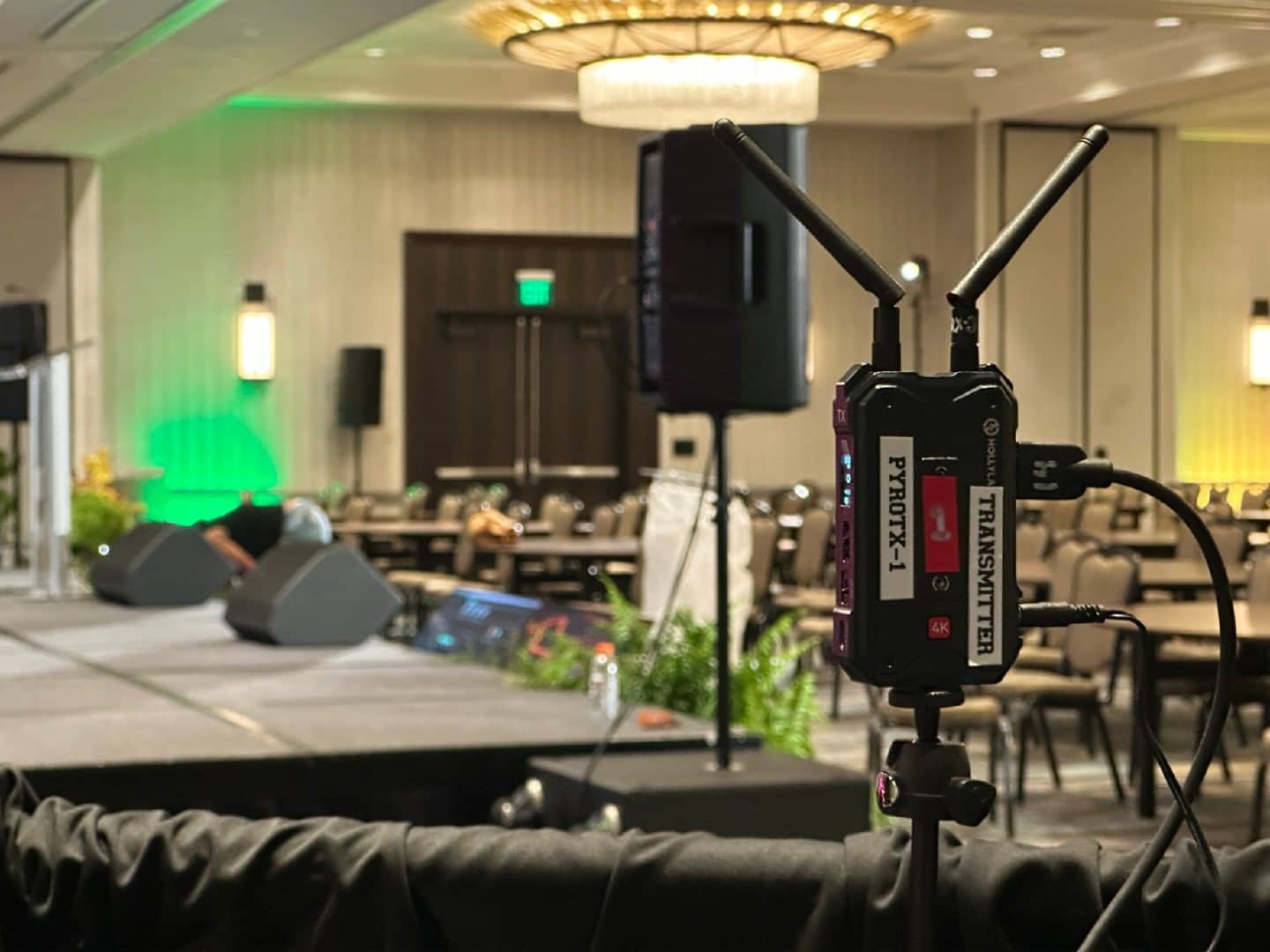
Wireless HDMI transmitter connected beside a conference stage
The transmitter, receiver plan, power, placement, and wired endpoints still matter

Treat wireless HDMI as a planned link, not an invisible cable

The selected image shows a linked wireless HDMI transmitter in use, while the catalog separately lists a Wireless HDMI System Bundle, a receiver, and a transmitter. Confirm which record you are ordering and how many endpoints it contains; a transmitter-only or receiver-only listing is not the same as a complete paired path.

Wireless delivery does not remove the need to identify the source output, destination input, local power, mounting position, and short wired connections at both ends. Room geometry and the operating environment can also affect a wireless plan, so do not rely on a published maximum-distance statement as a guaranteed result for a specific venue. Keep a documented wired alternative when the program cannot tolerate an untested link.

  • Match the two ends

    Confirm the transmitter, receiver count, source output, and destination input for the selected listing.

  • Plan power and placement

    Account for local power, short HDMI connections, physical position, and room conditions at both endpoints.

  • Keep claims testable

    Verify the actual environment and do not treat a listed line-of-sight maximum as a venue guarantee.

Media-equipment answers

Frequently Asked Questions

Practical guidance on switches, splitters, the current Presentation Bundle, wireless endpoints, companion equipment, and pickup.

What kinds of media equipment are currently listed?

The current catalog includes HDMI cables, switches and splitters, media players, presentation clickers, video switchers and recorders, a Presentation Bundle, wireless HDMI components, a flip-chart easel and paper, and several signal-management or conversion tools. Availability and exact product details come from the live cards.

What is the difference between an HDMI switch and an HDMI splitter?

A switch selects among source inputs for an output, while a splitter distributes one source signal to multiple outputs. Confirm the input and output counts on the exact live listing before choosing either one.

What does the current Presentation Bundle list as included?

Its current description names an HDMI switcher, an HDMI splitter, a presentation clicker, two long HDMI cables, and two USB-C adapters. Verify the live product before ordering in case its contents or status change.

Does media-equipment rental include laptops, cameras, screens, projectors, or audio?

Do not assume so. Those product families have separate listings and pages unless the selected live product or written order explicitly includes a companion item.

Does wireless HDMI eliminate every cable?

No. The source and destination still need compatible connections, the wireless units may need local power, and short wired links are normally part of the endpoint plan. Confirm whether the selected listing is a bundle, transmitter, or receiver.

Can the current media items be picked up?

The 24 active product records in this inventory are marked for pickup. Confirm the exact item, date, quantity, and fulfillment details in the live rental flow before planning collection.

Live Google feedback

Google reviews from Miami Sound Rental clients

Stored testimonials remain visible while live Google review data is temporarily unavailable.

GoogleCurrent ratingVerifiedGoogle reviewsLiveLatest sync
Google · South Florida

It’s a pleasure to work with Mario and his team, they are quick, efficient, and professional. Have done a few events already and looking forward to many more

Kathy StamosDec 27, 2023
Google · South Florida

We used Miami Sound Rental for a conference we were sponsoring. They were the perfect choice for the role. Easy to work with and arrived on time. Quick and efficient. We had to change a few things the week before the event and they were able to accommodate our changes with no issue.

Stephanie Van TieghemDec 4, 2023
Google · South Florida

Delivered on time and showed us exactly how to use the equipment and picked it up the next morning! Was perfect for my birthday party and would definitely use them again!

Erica JeromeNov 2, 2023